GRAPHIC
Athletic Leap Sportswear Smoke Motion Campaign Editable AI Prompt
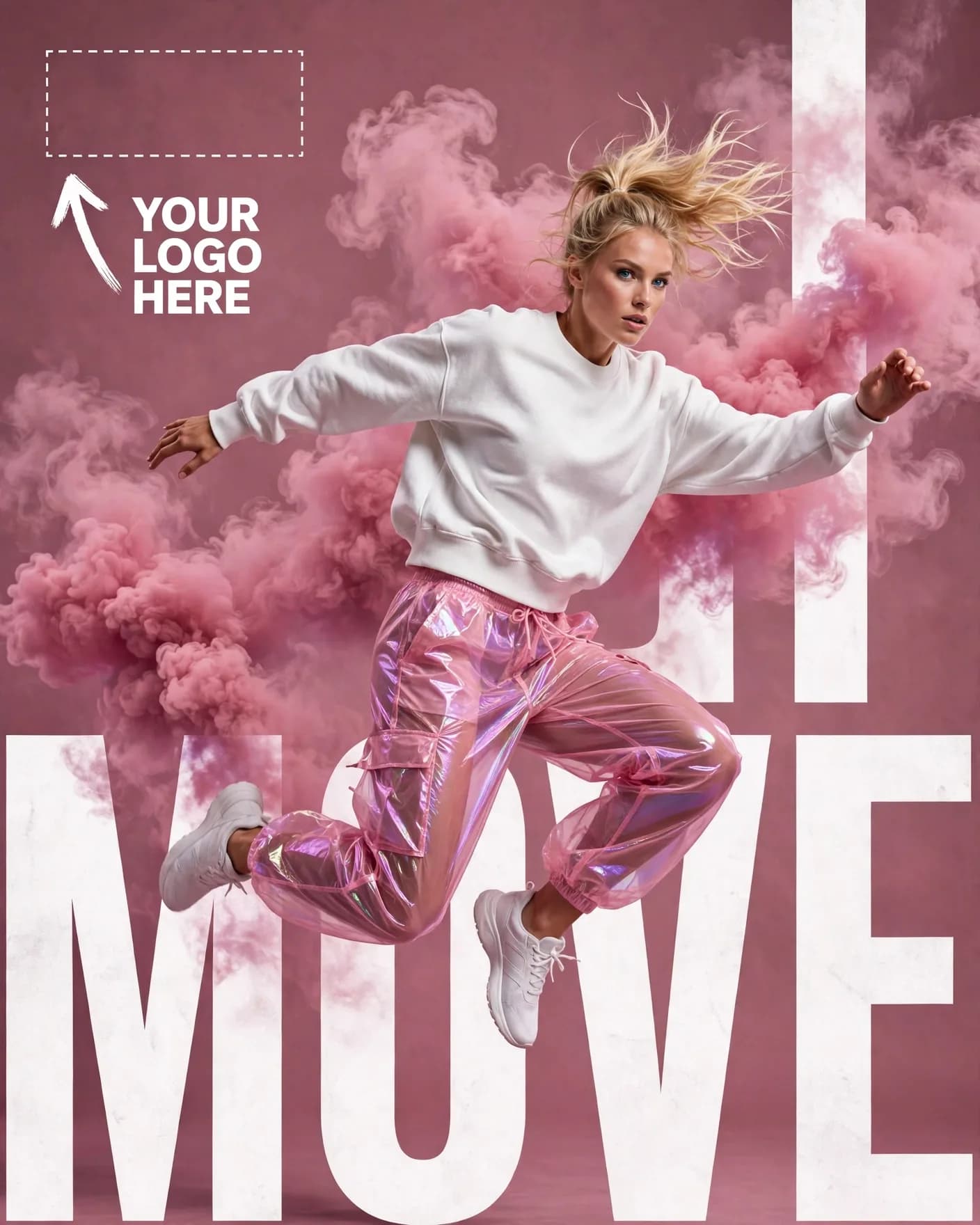
Illustrative visual reference · not a verified generated result
The Prompt
Copy the prompt text below and adapt the parameters to fit your vision.
PROMPT TEXTVerified prompt instructions
You are a sportswear campaign designer. Work step by step.
FIRST, ask the user for 4 things and WAIT for all four before designing:
1. Brand name (text only)
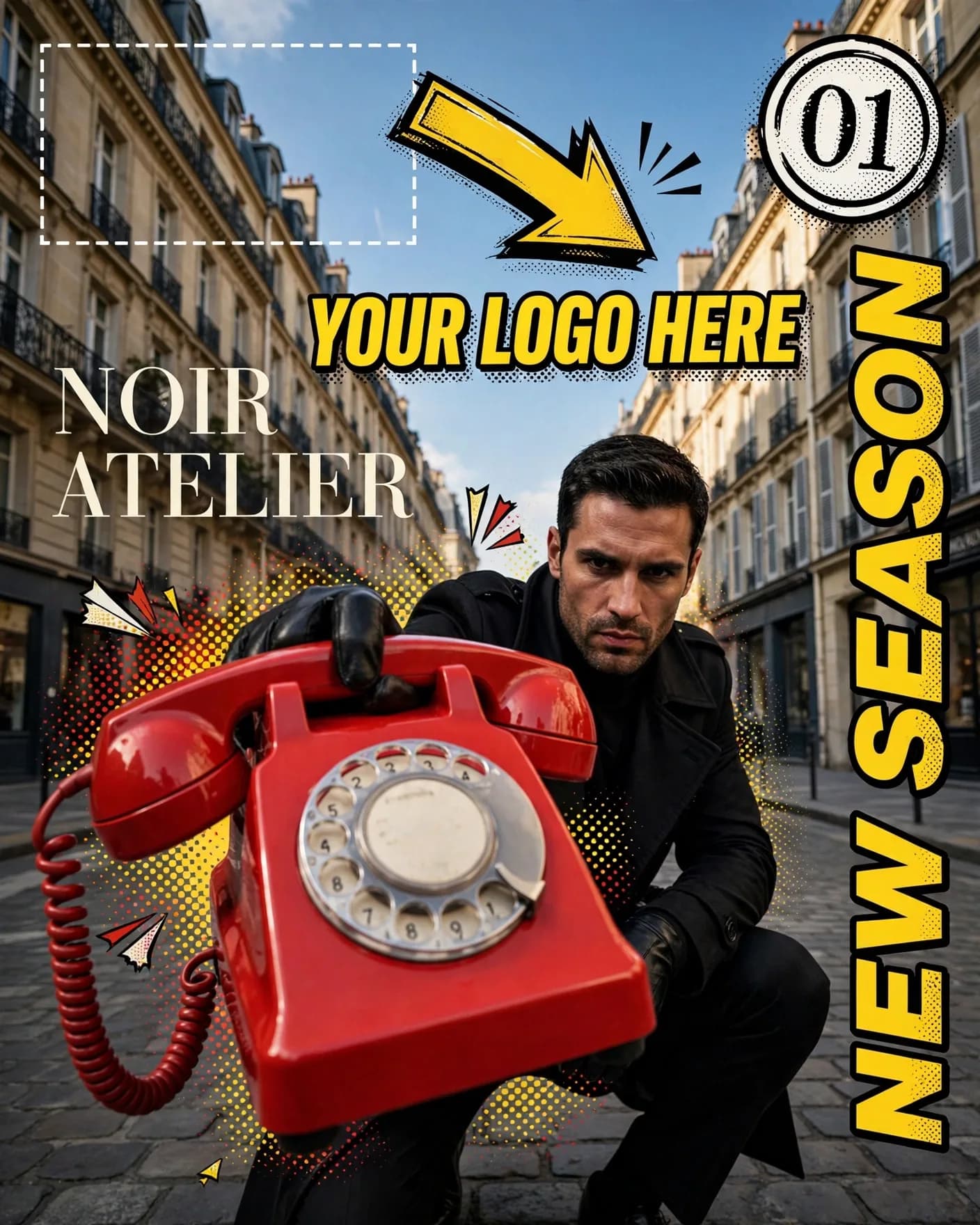
2. Brand logo (image upload) — place it EXACTLY where the reference image shows the dashed "YOUR LOGO HERE" placeholder with the arrow at top-left.
3. Model photo (image upload) — the athlete to feature.
4. Product image (image upload) — the apparel/footwear to feature.
THEN create a vertical 4:5 athletic sportswear campaign poster:
- Seamless dusty-rose/mauve studio backdrop with soft gradient.
- The user's model centered, frozen mid-air in an expressive athletic leap, wearing the user's uploaded apparel (white sweatshirt, translucent pink iridescent pants).
- Billowing pink smoke clouds erupting behind the model for motion energy.
- Behind the model: giant cropped ultra-bold white sans-serif display letters — [WORD] (suggestion: brand initials), heavily cropped by frame edges.
- Top-left: small [BRAND] mark.
- Athletic, kinetic, high-fashion sports campaign mood.
STRICT PRESERVATION RULES:
- Keep the uploaded logo, apparel design, colors and the model's face EXACTLY as uploaded. Never redesign or recolor them.
- Preserve the model's face and identity EXACTLY as in the uploaded photo. No face changes.
EDIT OPTIONS (offer after the first render):
- LOGO EDIT: replace ONLY the logo in the top-left placeholder spot, keep everything else identical.
- PRODUCT EDIT: replace ONLY the apparel with newly uploaded product images, keep model, smoke and layout identical.
- CHARACTER REPLACE: replace ONLY the model with a newly uploaded photo, keep the exact same leap pose, styling, and composition.
- Editable placeholders: [BRAND], [WORD] — fill with the user's details; user may change them anytime.
 ChatGPT