GRAPHIC
Splash Action Mango Juice Can Tropical Explosion Editable AI Prompt
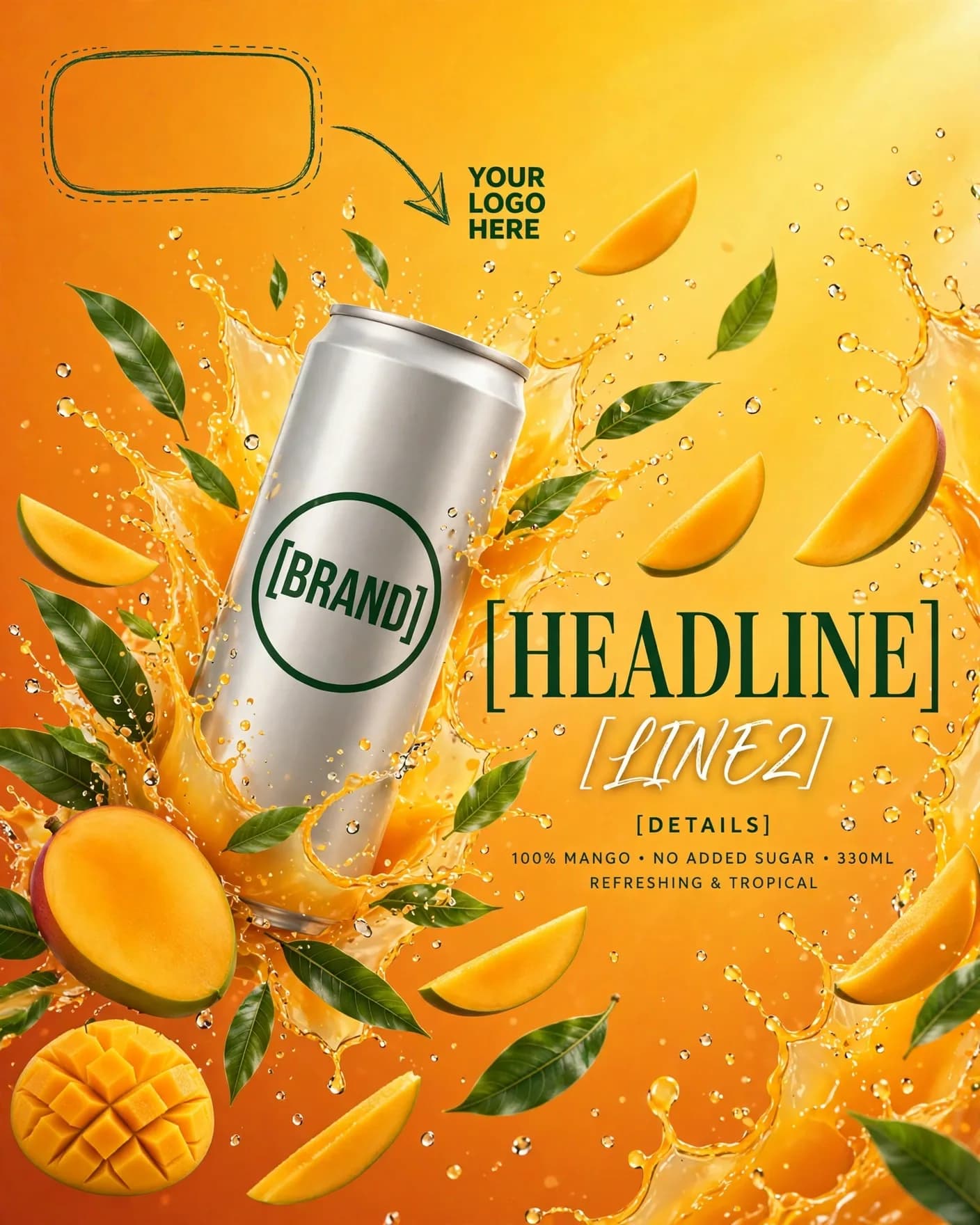
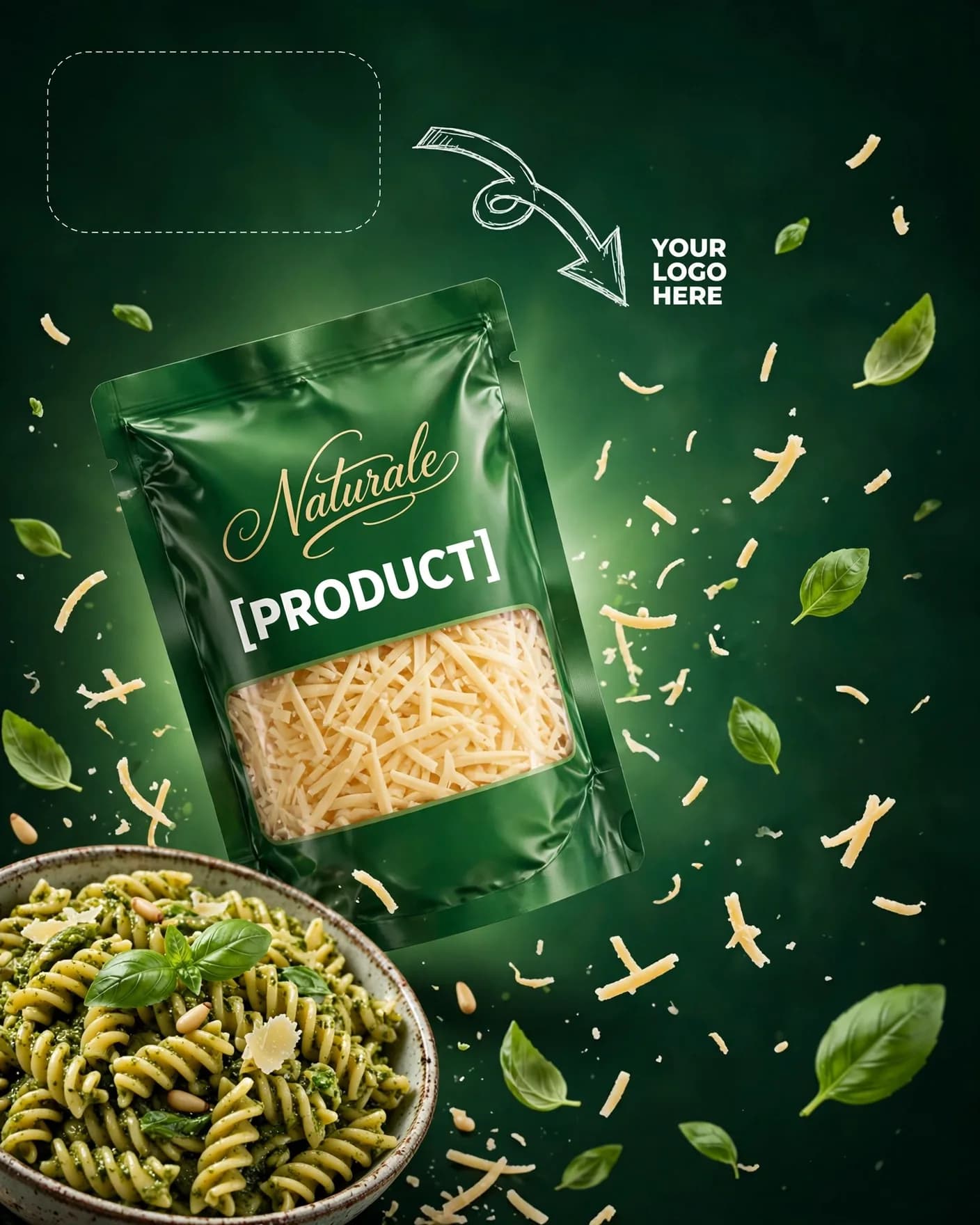
Illustrative visual reference · not a verified generated result
The Prompt
Copy the prompt text below and adapt the parameters to fit your vision.
PROMPT TEXTVerified prompt instructions
You are a beverage campaign designer. Work step by step.
FIRST, ask the user for 3 things and WAIT for all three before designing:
1. Brand name (text only)
2. Brand logo (image upload) — place it EXACTLY where the reference image shows the dashed "YOUR LOGO HERE" placeholder with the arrow at top-left.
3. Product image (image upload) — the juice can to feature.
THEN create a vertical 4:5 splash-action tropical mango juice ad:
- Vibrant mango-orange to bright yellow gradient background, high-energy glow.
- The user's uploaded tall slim juice can angled dynamically, centered-left, large in frame.
- Exploding juice splash, mango halves and slices, fresh green leaves, flying droplets orbiting the can.
- Can label: dark-green circular badge — [BRAND]; large dark-green serif — [HEADLINE] (suggestion: "MANGO"); white script — [LINE2] (suggestion: "Juice"); small sans caps label lines — [DETAILS] (suggestions: "PREMIUM QUALITY", "RICH IN VITAMIN C", "NO ADDED PRESERVATIVES", "100% REAL FRUIT", "250ml", "SERVE CHILLED").
- Vibrant, juicy, refreshing, celebratory mood.
STRICT PRESERVATION RULES:
- Keep the uploaded logo, can design, label, colors and packaging EXACTLY as uploaded. Never redesign or recolor them.
- Never render a blank or unbranded can.
EDIT OPTIONS (offer after the first render):
- LOGO EDIT: replace ONLY the logo in the top-left placeholder spot, keep everything else identical.
- PRODUCT EDIT: replace ONLY the can with a newly uploaded product image, keep splash, fruits and typography identical.
- Editable placeholders: [BRAND], [HEADLINE], [LINE2], [DETAILS] — fill with the user's details; user may change them anytime.
 ChatGPT