



What ONLYOFFICE 10.0 Adds
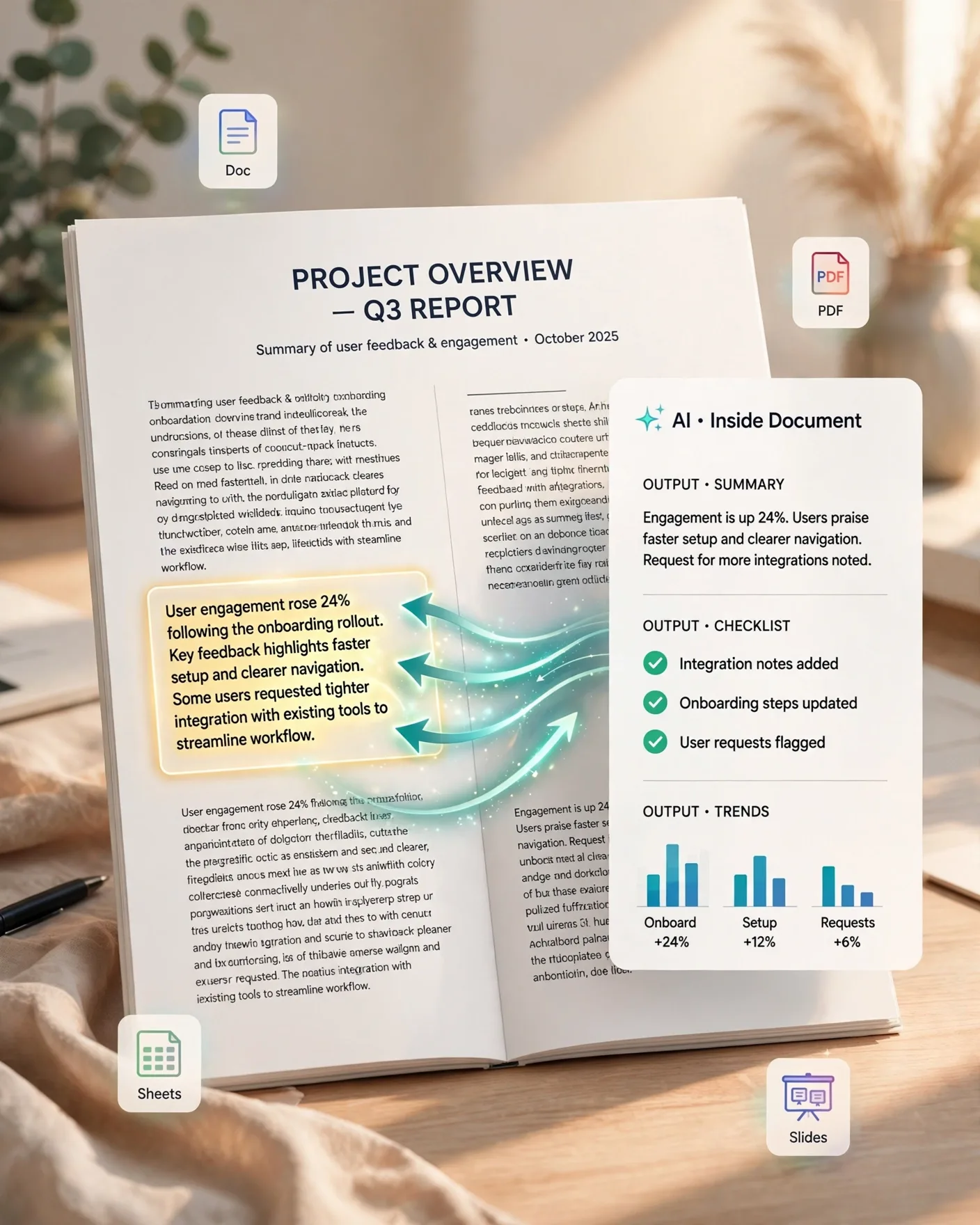
Released October 12, 2026, ONLYOFFICE 10.0 is the open-source office suite's major autumn update — 50 new features and over 1,000 fixes across online, desktop, and mobile editors. The headline for AI users: a dedicated AI tab with built-in chat now lives inside the document, spreadsheet, presentation, AND PDF editors. You can draft, summarize, translate, clean, and format text without leaving the file — and the AI is context-aware, meaning it understands the open document, so results are relevant from the first prompt instead of requiring you to paste content into a separate tool.
Ready-Made Prompts, Custom Assistants, Your Model Choice
- Ready-made prompts for common tasks plus the ability to create quick AI actions, build custom AI assistants, and save prompts for reuse
- Per-task model choice: cloud users get the ONLYOFFICE AI service powered by OpenRouter with no setup
- server deployments can connect ANY AI model — including locally hosted ones
- Sensitive documents never leave your infrastructure — aimed at government, healthcare, legal, and finance teams
- Mobile (free iOS/Android apps): AI assistant with new providers including Grok and DeepSeek, AI AutoFill for forms, on-device voice input
The Four Free AI Apps (AGPL)
Alongside the editors, 10.0 ships four free modular apps under AGPL v3: AI Agents (intelligent search, personal knowledge base, extended reasoning via MCP servers), Forms (AI response analysis), Files, and Rooms (secure collaboration with Virtual Data Rooms). The AI Agents app is the interesting one for power users — MCP server support means assistants that can reach beyond the document.
| Editor | AI tab highlights |
|---|---|
| Docs | Draft, summarize, translate, clean text in place |
| Sheets | AI-assisted formulas and data cleanup (~2x faster spreadsheets) |
| Slides | Draft decks, export as GIF/video |
| AI chat over PDFs, metadata removal, auto table recognition |
Building Your Document-AI Workflow
Start with the ready-made prompts to learn the interaction model, then graduate to saved prompts for your three most-repeated tasks, then build one custom assistant per role (e.g. "contract reviewer" with your clause checklist baked in). Because the AI sees the open document, prompts can stay short — "summarize the risks in section 3" beats pasting three pages into a chatbot. That context-awareness is the whole productivity argument.
Frequently Asked Questions
What is new with AI in ONLYOFFICE 10.0?
Version 10.0 (released October 12, 2026) adds a dedicated AI tab with built-in chat to the Docs, Sheets, Slides, and PDF editors. The AI is context-aware — it understands the open document — and offers ready-made prompts, quick AI actions, custom AI assistants, and saved prompts.
Can I choose which AI model ONLYOFFICE uses?
Yes. Cloud users get the ONLYOFFICE AI service powered by OpenRouter with no setup, while server deployments can connect any AI model per task — including locally hosted models, so sensitive documents never leave your infrastructure.
Is ONLYOFFICE free?
The core editors are open source, and 10.0 adds four free modular apps under AGPL v3: AI Agents, Forms, Files, and Rooms. Mobile apps for iOS and Android are also free with an AI assistant included.
What can the AI tab do in PDFs?
In the PDF editor, the AI chat works over the document contents, and 10.0 adds PDF metadata removal, automatic table recognition, and reusable signatures alongside the AI features.
How do custom AI assistants work?
You can build assistants with your own instructions and saved prompts for repeated roles — for example a "meeting-notes cleaner" or "contract clause summarizer" — then invoke them from the AI tab inside any document.