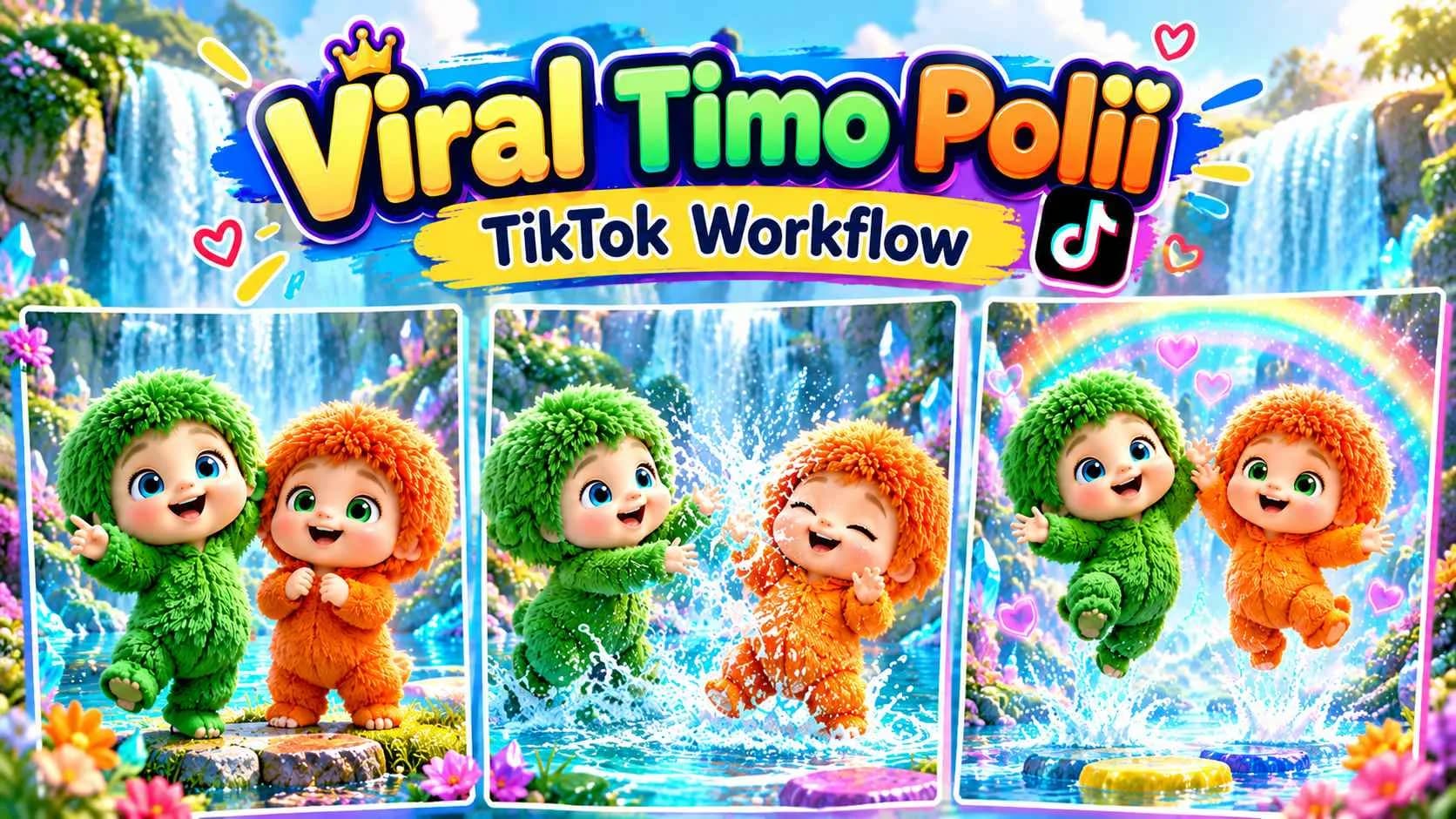
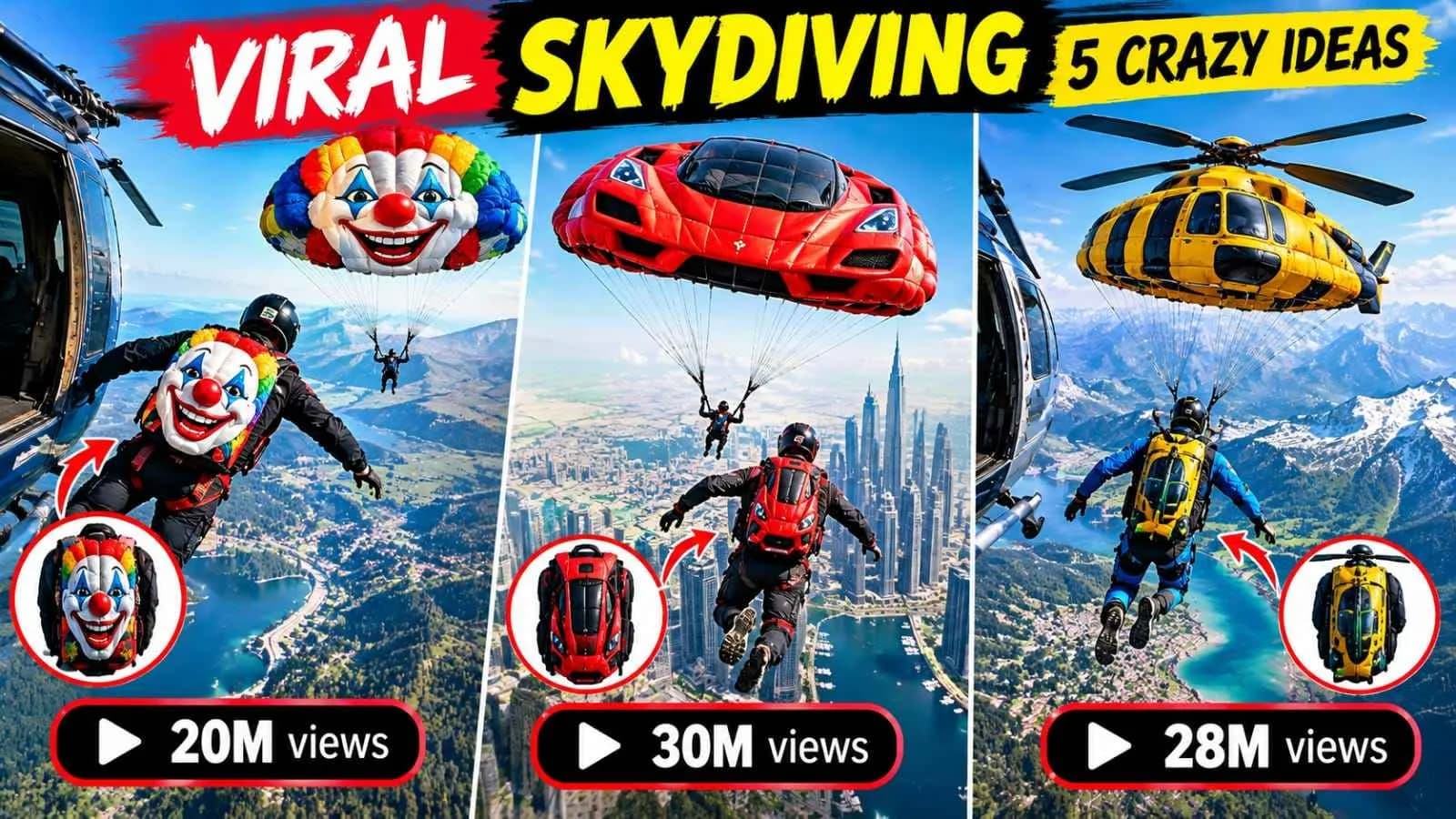
VIDEO MULTI-PHASE WORKFLOW
Viral Luxury Lifestyle AI Videos – Complete 2-Phase Workflow
How to Use check drive link for refrence chrcahter sheet 1. Paste Phase 1 into ChatGPT. 2. Select video duration and ratio. 3. Upload your reference character sheet. 4. Approve the generated character. 5. Paste Phase 2 into the same chat. 6. Select one of the 10 video ideas. 7. Copy the Master Prompt into Seedance 2.5 and attach your approved character sheet as @Image1. 8. Generate your video.

Illustrative visual reference · not a verified generated result
Tutorial & DocumentationCreator guides & instructions for this workflow
Workflow Phases
Click a phase below to reveal prompt instructions for that step.
Phases2 Phases
Click a phase below to inspect and copy prompt instructions.

 Seedance