Why Your AI Video Feels Static
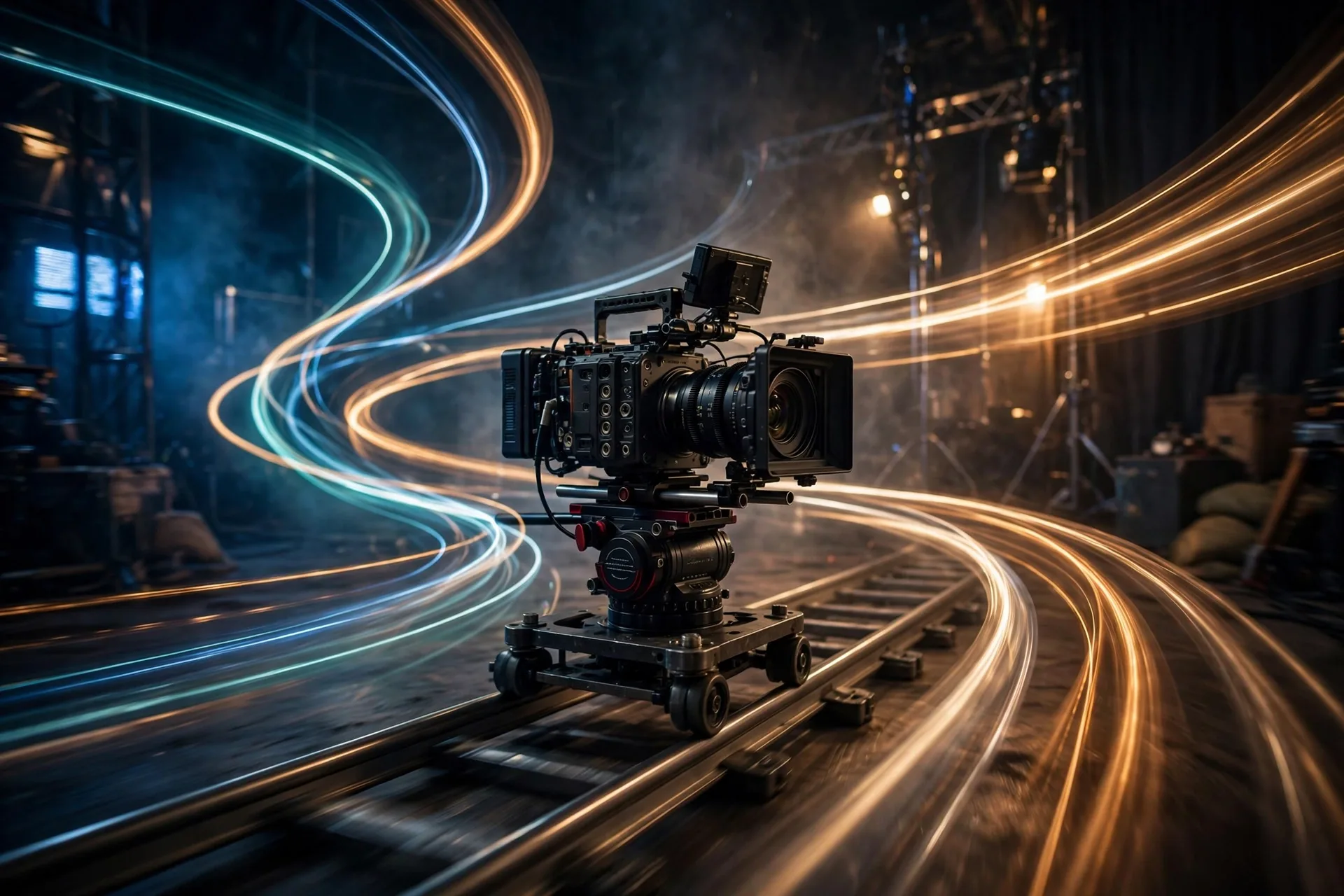
Most text-to-video prompts describe only the subject: "a woman walking through a neon market at night." The model generates a moving image, but the camera never moves — so the result feels like a surveillance feed, not cinema. Real footage has a camera operator. Your prompt needs to be that operator: name the camera, its movement, its speed, and what it is doing relative to the subject.
The Core Camera Moves (and When to Use Each)
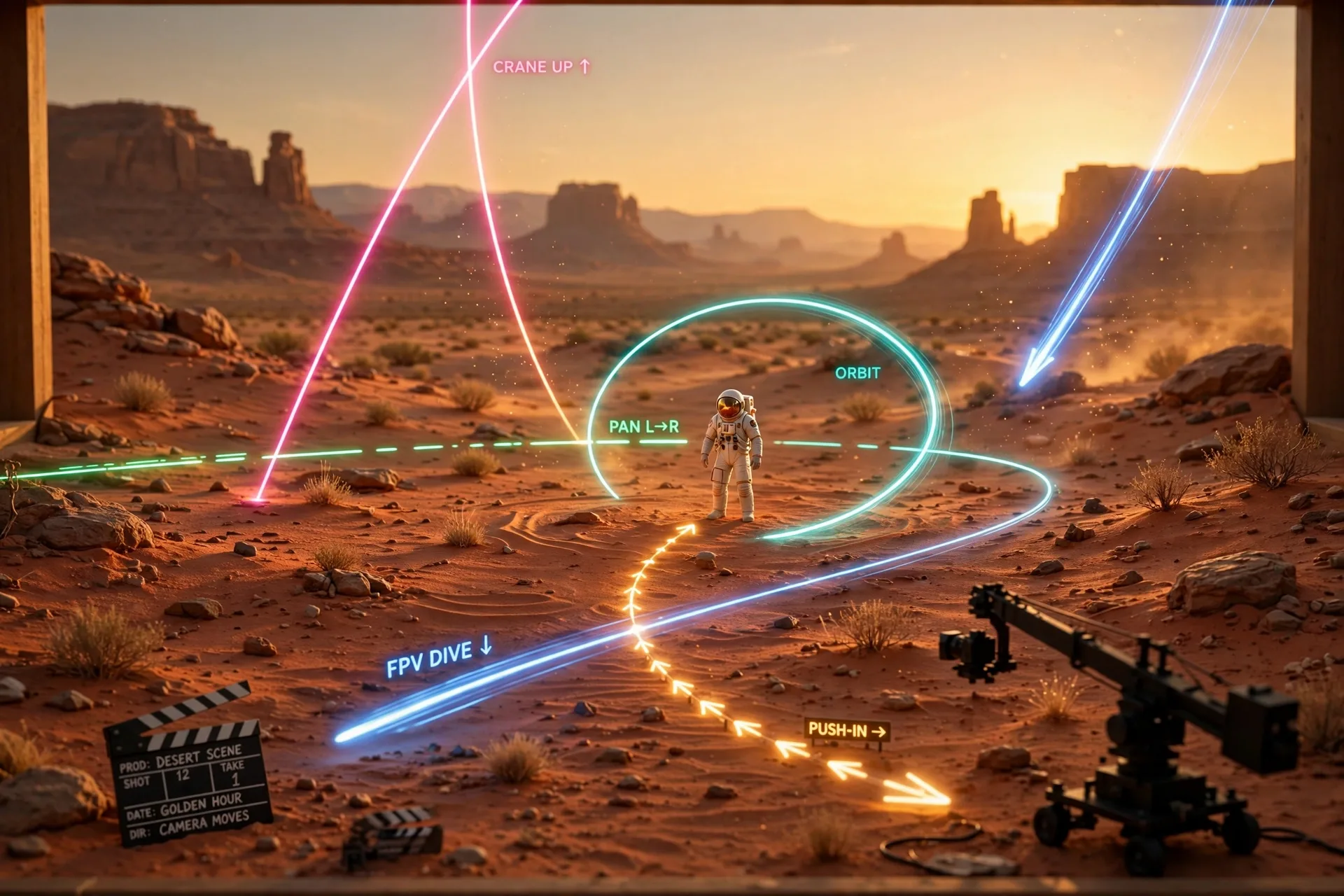
- Dolly in / push in — camera moves toward the subject; builds intimacy and tension; use for reveals and emotional beats
- Dolly out / pull back — camera retreats; reveals context and scale; use for establishing shots
- Pan — camera rotates left/right on a fixed point; follows action across a scene
- Tilt — camera rotates up/down; reveals height, from shoes to skyline
- Orbit / arc — camera circles the subject; the signature "product hero" move
- Crane / jib — camera rises or descends; adds grandeur and transitions
- Tracking shot — camera moves alongside a moving subject; keeps pace with action
- FPV / drone fly-through — fast continuous flight through spaces; energy and spectacle
- Handheld — slight natural shake; documentary realism and urgency
- Static / locked-off — deliberately no movement; calm, observational, lets the subject carry the shot
The Anatomy of a Video Prompt
A complete video prompt has four parts: the shot (what the camera does), the subject (who/what, doing what), the scene (environment, light, mood), and the technical tail (lens feel, frame rate feel, duration hints, aspect). Write them in that order — camera first, because motion is the decision video models handle worst when it is vague.
A chef cooking in a restaurant kitchen, cinematic.
Now the same idea, directed:
Slow dolly-in, eye level, on a chef in a dark restaurant kitchen. He flames a pan; firelight flickers across his focused face and steel surfaces. Warm tungsten practicals, shallow depth of field, 35mm film look, subtle grain. Camera pushes from medium shot to close-up over the shot. No text overlays.
Notice the camera sentence comes first and names one move, a speed ("slow"), and the framing journey ("from medium shot to close-up"). That is the difference between footage and a screensaver.
Match the Move to the Moment
| Goal | Best camera move | Speed cue to include |
|---|---|---|
| Product reveal | Slow orbit or 360 arc | "slow, smooth 120-degree arc" |
| Emotional close-up | Slow push in | "very slow dolly-in" |
| Establishing a location | Crane up or drone pull-back | "gradual ascent revealing" |
| Following a person | Tracking shot at subject pace | "camera tracks alongside at walking pace" |
| Action / chase energy | Handheld or FPV | "slight handheld shake" / "fast FPV fly-through" |
| Calm / luxury mood | Static or extremely slow drift |
The speed cue matters as much as the move. "Orbit" at default speed can feel frantic; "slow, smooth orbit" reads as premium. Always include a pace word.
Transitions: Thinking in Shots, Not Clips
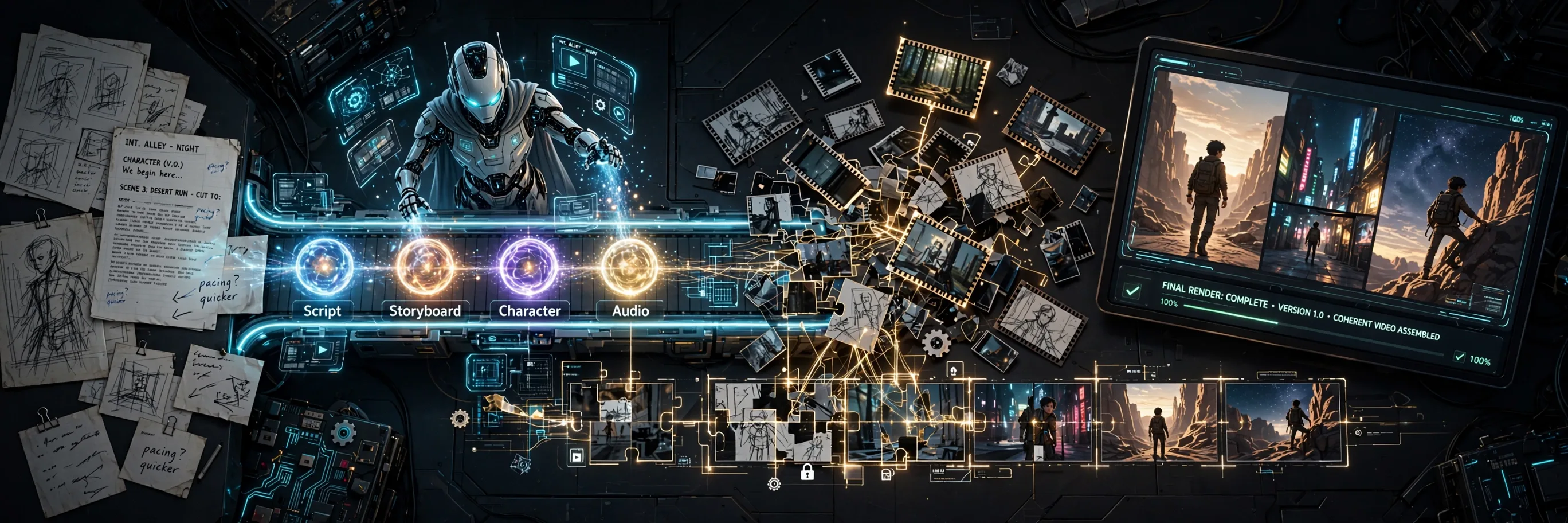
One great 5-second shot is a clip; five connected shots are a video. Plan sequences: start wide (crane up establishing), cut closer (tracking), land the detail (slow push-in). When generating, write each shot as its own prompt but keep subject, wardrobe, lighting and style descriptions identical across them — that is what sells the illusion of one continuous scene. Generate the anchor shot first, then describe the others as variations of it.
A Reusable Template
“[Camera move], [speed], [framing start] to [framing end], on [subject + action] in [setting]. [Lighting and mood]. [Lens/film feel], [aspect]. No [text, watermarks, morphing].”
Fill this in for every shot. After a few videos you will notice the pattern: weak results almost always trace back to a missing camera sentence or a stacked triple-move. Fix the camera line first.
Frequently Asked Questions
Which AI video tools respond best to camera language?
Most current text-to-video models — including Sora, Veo, Kling, Runway and Pika-class tools — were trained on captioned footage that includes camera terminology, so dolly, pan, orbit and crane are widely understood. Wording varies slightly per tool, but the core vocabulary transfers.
How do I keep the same character across multiple shots?
Keep the subject description byte-identical across shot prompts (same age, clothing, features, wording), generate from the same style seed or reference image when the tool supports it, and avoid changing lighting drastically between shots. Consistency comes from repetition of the description, not from hoping the model remembers.
My video has weird morphing and warping — how do I fix it?
Add explicit negatives ("no morphing, no warping, no extra limbs, no text") and simplify: one camera move, one subject action, short duration. Morphing usually means the prompt asked for too much change in too little time.
Should prompts differ for vertical (9:16) vs widescreen (16:9)?
Yes. For 9:16, favor moves that work in a tall frame — push-ins, tilts, and tracking shots read better than wide orbits or crane shots, which lose impact when the frame is narrow. Name the aspect in the technical tail of every prompt.
How long should a video prompt be?
60–120 words is the sweet spot: one camera sentence, one subject sentence, one scene/lighting sentence, and a short technical tail. Longer prompts dilute the camera instruction, which is the part video models need most clearly.
Related Prompts
Real Lava Experiment — Viral AI Video Prompt Formula
Seedance
Conceptual Packaging Design Prompt — One Truth, One Clever Pack Idea
ChatGPT
Vintage Lithograph Poster Prompt — Two-Ink Print, Bold Posterized Art
ChatGPT