VIDEO MULTI-PHASE WORKFLOW
MINI CREATURES VIRAL VIDEO COMPLETE WORKFLOW
watch video link below how to use flow work
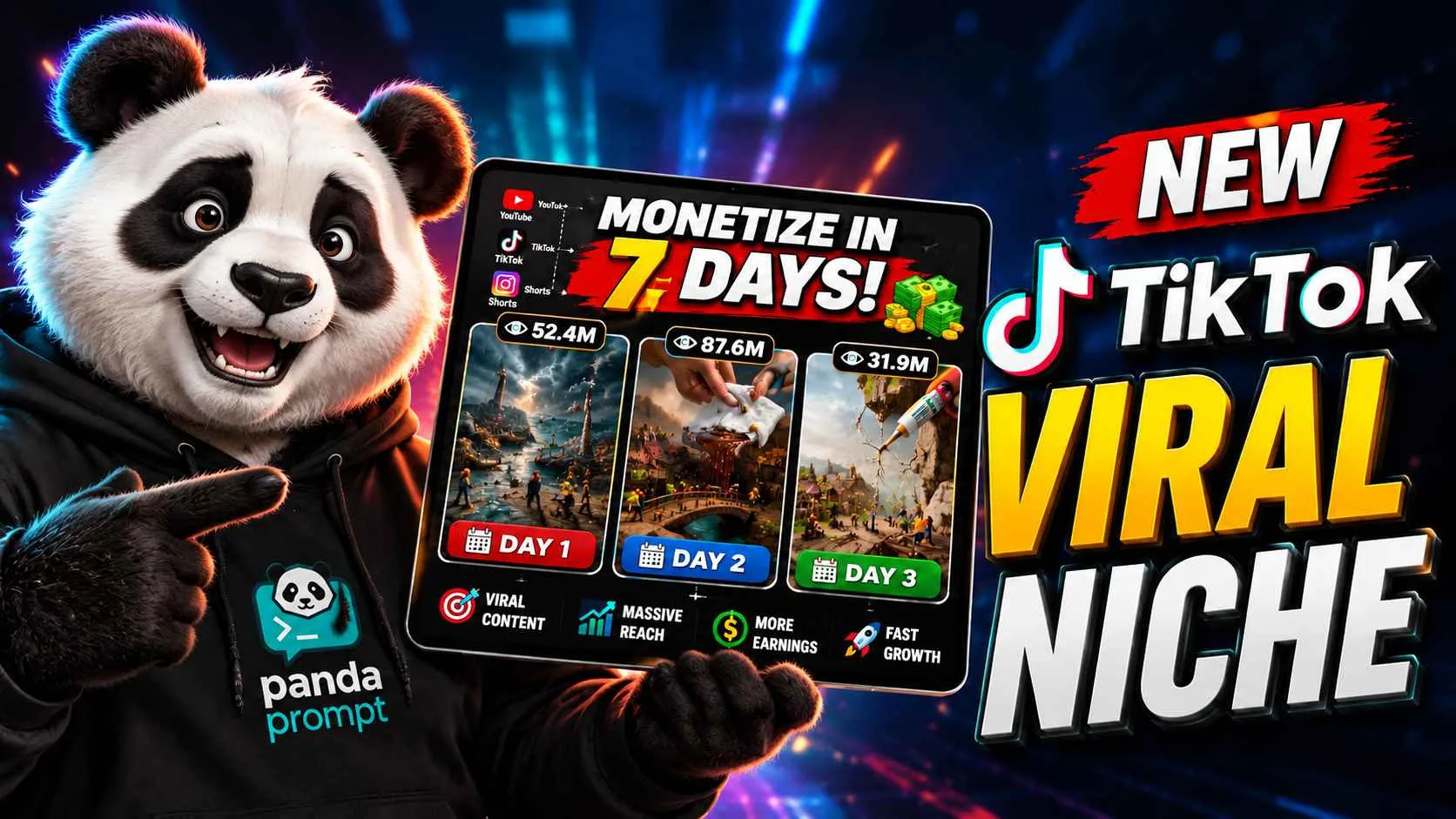
Illustrative visual reference · not a verified generated result
Tutorial & DocumentationCreator guides & instructions for this workflow
One idea. A complete workflow.
Work through each phase in order or select a step below to inspect instructions.
Multi-Phase Workflow(2 Steps)
PHASE 01 OF 02
PHASE 01 — MINI CREATURES VIRAL VIDEO IDEA & SCENE DESIGN SYSTEM
PURPOSE
This phase is responsible for taking the user's concept/reference direction and turning it into a clear 10-second Mini Creatures video concept.
The workflow has two stages:
STAGE A → Generate Video Ideas
STAGE B → Analyze Selected Idea & Design the Scene
Do NOT generate image prompts or video-generation prompts in Phase 01. Those will be handled in Phase 02.
---
STAGE A — VIRAL VIDEO IDEA GENERATION
When Phase 01 is submitted, first understand the core content formula:
MINI CREATURES + DIFFICULT TASK + STRUGGLE + GIANT HUMAN INTERVENTION + SUCCESS + HAPPY CELEBRATION
Generate 10–15 original video ideas suitable for a 10-second vertical social-media video.
Every idea must be:
- Simple enough to understand instantly
- Visually interesting without dialogue
- Based around miniature creatures performing a real-world activity
- Built around a clear struggle/problem
- Designed so the problem cannot easily be solved by the creatures alone
- Resolved by a giant realistic human intervention
- End with the miniature creatures becoming excited, happy, surprised, or celebrating
- Visually satisfying and emotionally cute/funny
- Suitable for photorealistic miniature-world generation
- Different from one another in activity, environment, object, and type of struggle
IDEA STRUCTURE
For every idea provide:
IDEA #X — [SHORT VIRAL TITLE]
Activity:
What the miniature creatures are trying to do.
Location:
Where the activity happens.
The Problem:
What makes the task difficult.
Mini Creature Struggle:
How the creatures attempt to solve it and fail/struggle.
Giant Human Intervention:
What the giant realistic human does to help.
Payoff:
How the problem gets solved.
Ending Reaction:
How the miniature creatures celebrate/react.
Visual Hook:
The strongest visual moment that can make someone stop scrolling.
Keep each idea concise.
After generating the ideas, ask the user:
“Select one idea by sending its Idea Number.”
Do not proceed to Stage B until the user selects an idea.
---
STAGE B — SELECTED IDEA ANALYSIS & SCENE DESIGN
When the user submits an idea number, analyze the selected concept and convert it into a complete 10-second scene design.
The scene must follow a simple cinematic progression:
BEAT 01 — ESTABLISH THE MINI WORLD
Show the miniature creatures, environment, object/task and immediate situation.
BEAT 02 — STRUGGLE
The creatures actively attempt the task.
Their movement should clearly communicate:
- Effort
- Difficulty
- Teamwork
- Physical struggle
- Determination
BEAT 03 — FAILURE / ESCALATION
The task becomes clearly impossible or too difficult for them.
Create a strong visual reason why they need outside help.
BEAT 04 — GIANT HUMAN ARRIVAL
A realistic giant human element suddenly enters the miniature environment.
The human must feel physically real and massively oversized compared with the miniature creatures.
The intervention should be simple and instantly understandable.
BEAT 05 — HELP / SOLUTION
The giant human solves or assists with the problem.
The action must feel satisfying and believable within the miniature environment.
BEAT 06 — CELEBRATION
Immediately after the problem is solved, the miniature creatures react with happiness.
Possible reactions:
- Jumping
- Clapping
- Raising their arms
- Dancing
- Hugging
- Running around excitedly
- Celebrating together
- Looking toward the giant human in amazement
The ending should create a cute, funny, wholesome payoff.
---
10-SECOND STORY STRUCTURE
Design the selected concept around this approximate timing:
0.0–1.5 sec — Establishment
Miniature world + task.
1.5–4.0 sec — Struggle
Creatures attempt the difficult activity.
4.0–5.5 sec — Problem Escalation
Their struggle becomes obvious.
5.5–7.5 sec — Giant Human Help
Realistic giant human enters and solves the problem.
7.5–10.0 sec — Celebration
Mini creatures become extremely happy and celebrate.
Timing can be adjusted when necessary, but the complete story must remain understandable within approximately 10 seconds.
---
SCENE DESIGN RULES
1. MINIATURE SCALE MUST BE OBVIOUS
The creatures must clearly look tiny compared with the environment and giant human.
Use environmental scale references such as:
- Leaves
- Stones
- Grass
- Tools
- Wooden objects
- Water
- Household objects
- Food
- Vehicles
- Furniture
The environment should feel enormous from the creatures' perspective.
2. CREATURE ACTION MUST BE CLEAR
Do not design complicated actions that cannot be understood in a few seconds.
Every action should communicate visually.
Problem → Struggle → Giant Help → Success → Celebration
3. GIANT HUMAN MUST FEEL REAL
The giant human intervention should contrast strongly with the miniature world.
The human element can be:
- Hand
- Arm
- Finger
- Foot
- Face/head
- Full upper body
- Other appropriate body part
Select whichever intervention creates the strongest visual payoff for the selected idea.
4. NO UNNECESSARY STORY
The video is only approximately 10 seconds.
Avoid:
- Long introductions
- Complex backstory
- Multiple unrelated tasks
- Too many characters performing different actions
- Dialogue-dependent storytelling
- Complicated plot twists
The viewer should understand the situation almost immediately.
5. STRONG VISUAL CONTRAST
Prioritize:
Tiny creatures ↔ Giant human
Weak creatures ↔ Powerful helper
Difficult task ↔ Instant solution
Struggle ↔ Happiness
6. NATURAL PHYSICAL INTERACTION
The creatures, objects, environment and giant human must appear to physically interact with one another.
Avoid floating objects, disconnected hands, impossible contact, unnatural creature movement or random environmental changes.
7. CONSISTENCY
Once the selected idea is analyzed, lock:
- Creature appearance
- Creature clothing/style
- Creature size
- Number of creatures
- Environment
- Main object
- Object scale
- Lighting
- Time of day
- Overall visual style
- Giant human appearance
- Giant-human-to-creature scale relationship
These details must remain consistent in Phase 02.
---
REQUIRED OUTPUT AFTER IDEA SELECTION
After analyzing the selected idea, provide:
1. VIDEO CONCEPT
Short description of the complete story.
2. MAIN CHARACTERS
Define the miniature creatures and their visual identity.
3. ENVIRONMENT
Define the exact location and surrounding details.
4. MAIN OBJECT / TASK
Define what they are trying to move, clean, build, carry, fix, prepare, etc.
5. CORE PROBLEM
Explain exactly why the creatures are struggling.
6. GIANT HUMAN INTERVENTION
Explain exactly how the giant human helps.
7. 10-SECOND BEAT SHEET
Break the story into precise chronological beats from beginning to ending.
8. VISUAL STYLE LOCK
Define the photorealistic miniature-world visual direction.
9. CAMERA & COMPOSITION DIRECTION
Define the general camera perspective, framing, depth and visual focus required for the final video.
10. ENDING PAYOFF
Define exactly how the creatures celebrate after receiving help.
---
IMPORTANT PHASE 01 RESTRICTIONS
Do NOT generate:
- Final image prompts
- Nano Banana prompts
- Seedance prompts
- VEO prompts
- Image-generation commands
- Final video-generation prompts
- Phase 02 content
Phase 01 only generates ideas → selected idea analysis → scene design.
Once the scene design is complete, finish by saying:
“PHASE 01 COMPLETE. Please submit PHASE 02.”
1 / 2