VIDEO MULTI-PHASE WORKFLOW
Zack D Films Style 3D Motion Graphics Video Creation Workflow with Muse AI
How to Use This Formula Step 1: Copy the Master User Instruction Prompt and paste it into the Muse AI Agent. Step 2: Use Formula 2 to generate 10 video ideas. Select your favorite idea and generate a 60-second voiceover script. Step 3: Convert the generated script into an audio file using any AI Text-to-Speech tool. Step 4: Upload the audio file to Muse AI Agent. Step 5: Muse AI will use the audio to create a synchronized 3D Motion Graphics video with matching visuals, animations, transitions, and sound effects. Final Output: A professional, Zack D Films-inspired 3D educational video in 9:16 vertical format.
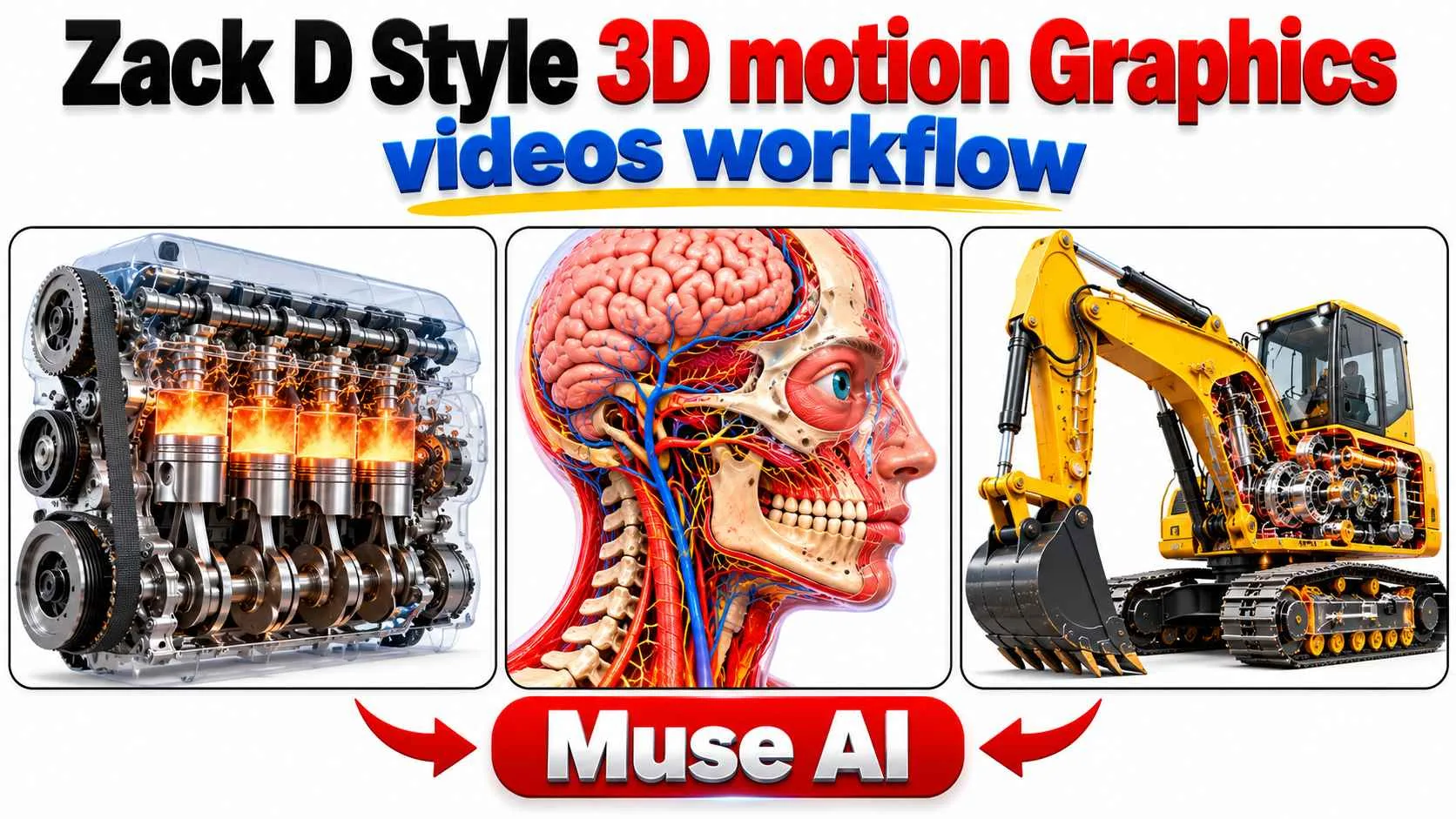
Illustrative visual reference · not a verified generated result
Workflow Phases
Click a phase below to reveal prompt instructions for that step.
Phases2 Phases
Click a phase below to inspect and copy prompt instructions.

 Seedance