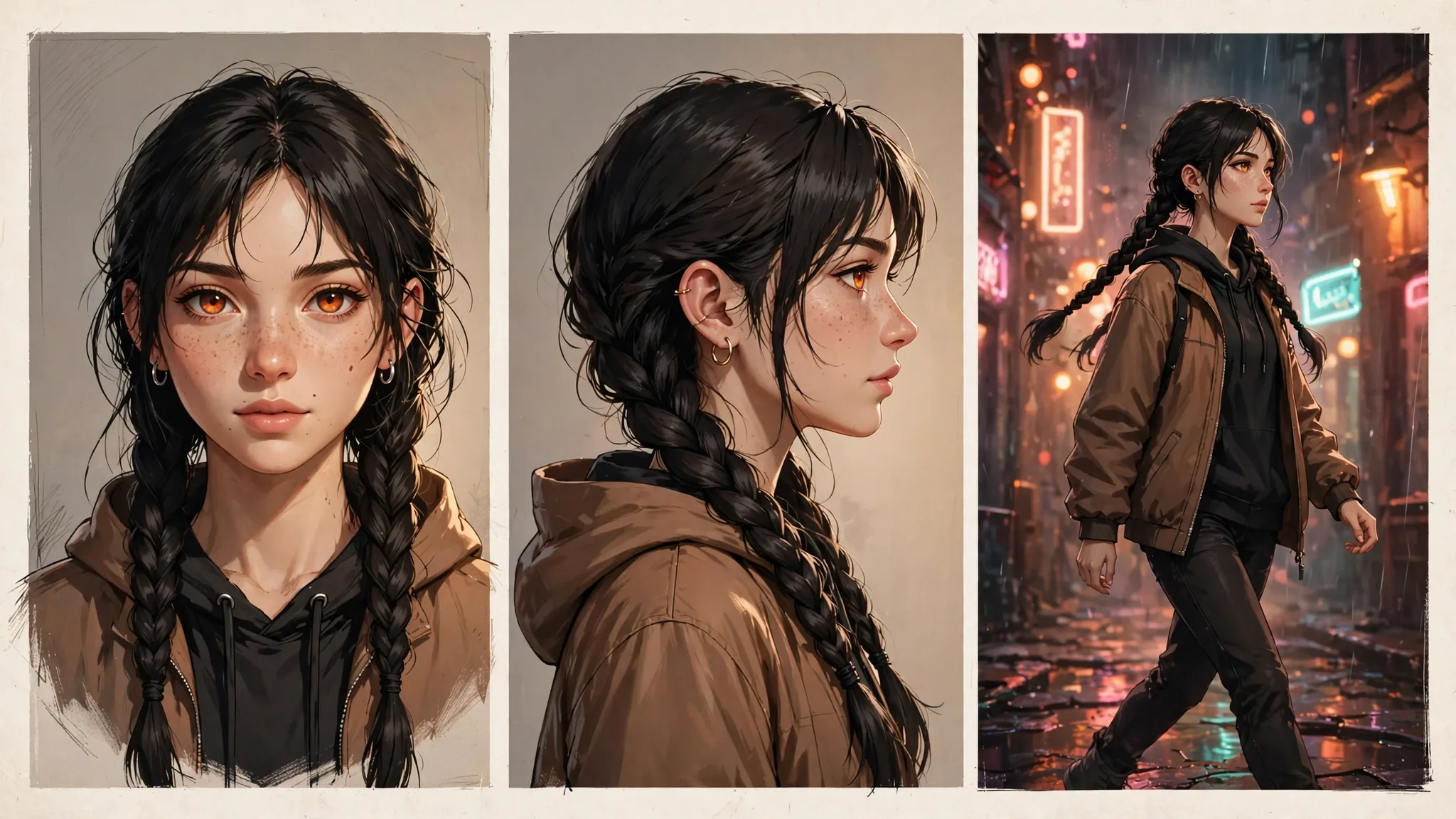
Why characters drift
Every image generation starts from randomness, so "a woman with red hair" becomes a slightly different woman each time. Consistency is a fight against that randomness — and it is winnable. The five techniques below stack: use one and you improve; use all five and your character survives a whole comic, ad campaign, or storybook.
1. Write a locked character block
Write one detailed description of your character and paste it unchanged into every prompt: age, face shape, eye color and shape, nose, lips, skin tone, hair color, length and style, distinguishing marks, and default clothing. The more specific and the more repeated, the stronger the anchor.
Mara, 28, oval face, warm brown skin, deep-set amber eyes, full brows, small gold nose ring, long black box braids tied back, light freckles across her nose, wearing a cropped olive-green utility jacket.
2. Lock a reference image
Generate one portrait you love, then use it as the reference or input image for every subsequent generation. Image-editing flows ("put this character in a neon-lit alley, keep the face identical") hold identity far better than text-only prompts, because the model copies the pixels instead of re-imagining them.
3. Fix the seed (when the tool offers one)
Some generators let you set a seed — the starting noise. Same seed plus the same prompt equals the same composition. Change only the action or setting in the prompt while keeping the seed and character block fixed, and the face stays put while the scene changes. Not every tool exposes seeds, so treat this as a bonus, not the foundation.
4. Anchor the style, not just the face
Drift is not only faces — lighting, lens, and art style shift too. Add a short style anchor to every prompt: "cinematic photorealism, 85mm portrait lens, soft key light, shallow depth of field." A locked style makes small face variations read as the same person in different light rather than a different person.
5. Edit, don't regenerate
When a face drifts, resist the urge to roll the dice again. Use inpainting or comment-based editing ("keep everything, only fix the eyes to match the reference") to repair the specific region. Targeted edits preserve the 95% that is right; regeneration risks breaking it.
Quick-reference: which technique fixes what
| Technique | What it fixes | When to use it |
|---|---|---|
| Character block | Face and outfit drift | Every prompt, always |
| Reference image | Identity across scenes | Multi-scene stories and campaigns |
| Seed locking | Composition changes | Tools that expose seeds |
| Style anchor | Lighting and lens drift | Series, comics, brand work |
| Targeted editing | Local mistakes | Repairing one bad region |
Frequently Asked Questions
Which technique matters most?
The locked character block plus a reference image. Those two together solve most drift. Seeds and style anchors help, but they are refinements — the description block and the reference do the heavy lifting.
Can I keep a character consistent across different AI tools?
Partially. A detailed character block and the same reference image transfer across tools, but each model interprets them differently. Expect to re-tune the wording per model; identity will be close, rarely identical.
How do I show the same character at different ages?
Keep the core anchors (eye color, face shape, marks) fixed and change only the age-relevant lines in the block: "same woman, now 60, silver-streaked braids, fine lines around her eyes." Anchored change reads as aging; unanchored change reads as a stranger.
Do reference images work for illustrated or anime styles?
Yes — and they work even better there, because stylized faces have fewer variables. Use a clean turnaround or expression sheet as the reference and keep the style anchor locked.
What breaks consistency most often?
Vague descriptions ("beautiful woman"), changing the prompt's subject order between generations, and extreme angles or tiny faces in wide shots. Put the character block first in every prompt, keep faces reasonably large, and verify hands and text last.
Related Prompts
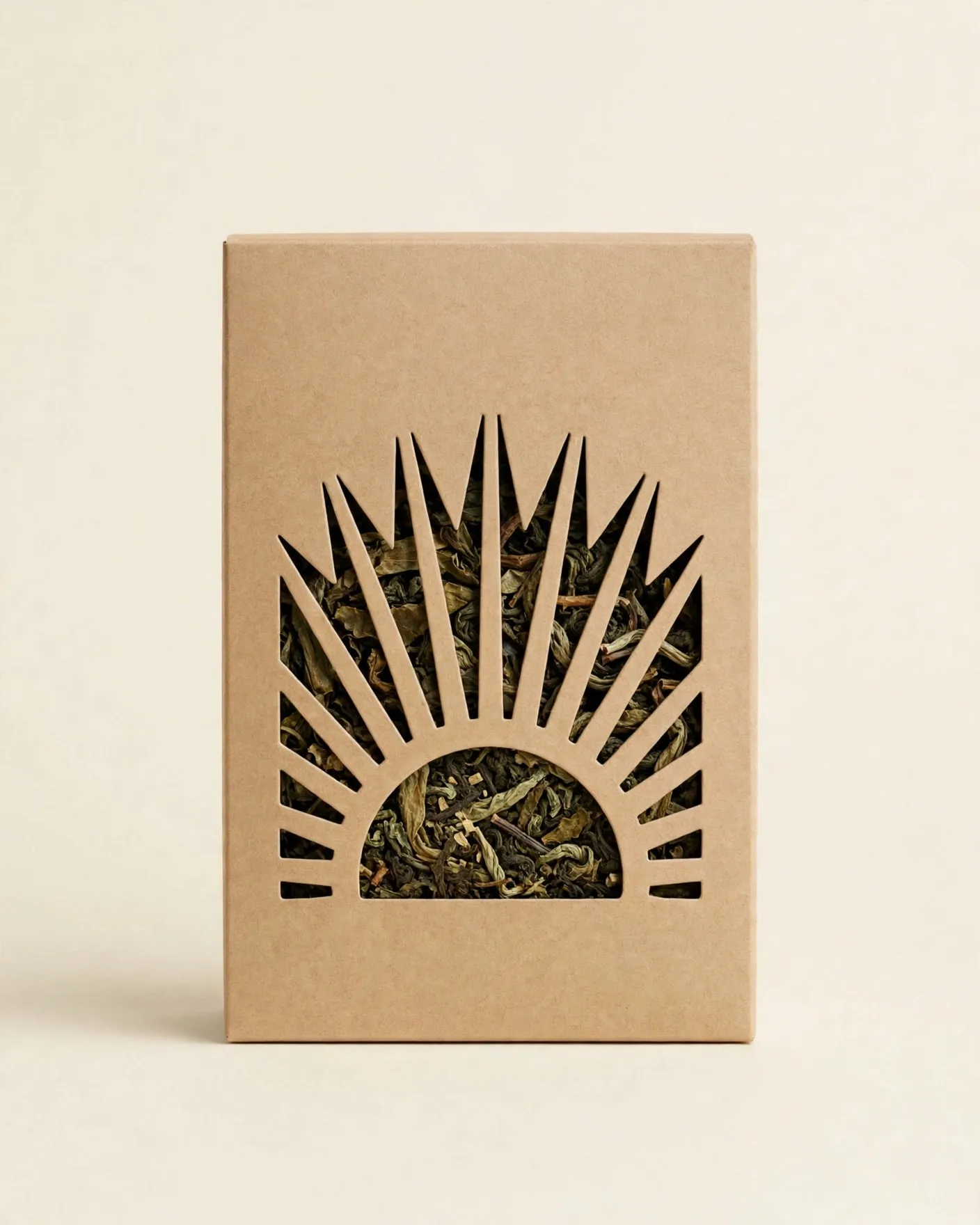
Conceptual Packaging Design Prompt — One Truth, One Clever Pack Idea
ChatGPT
Vintage Lithograph Poster Prompt — Two-Ink Print, Bold Posterized Art
ChatGPT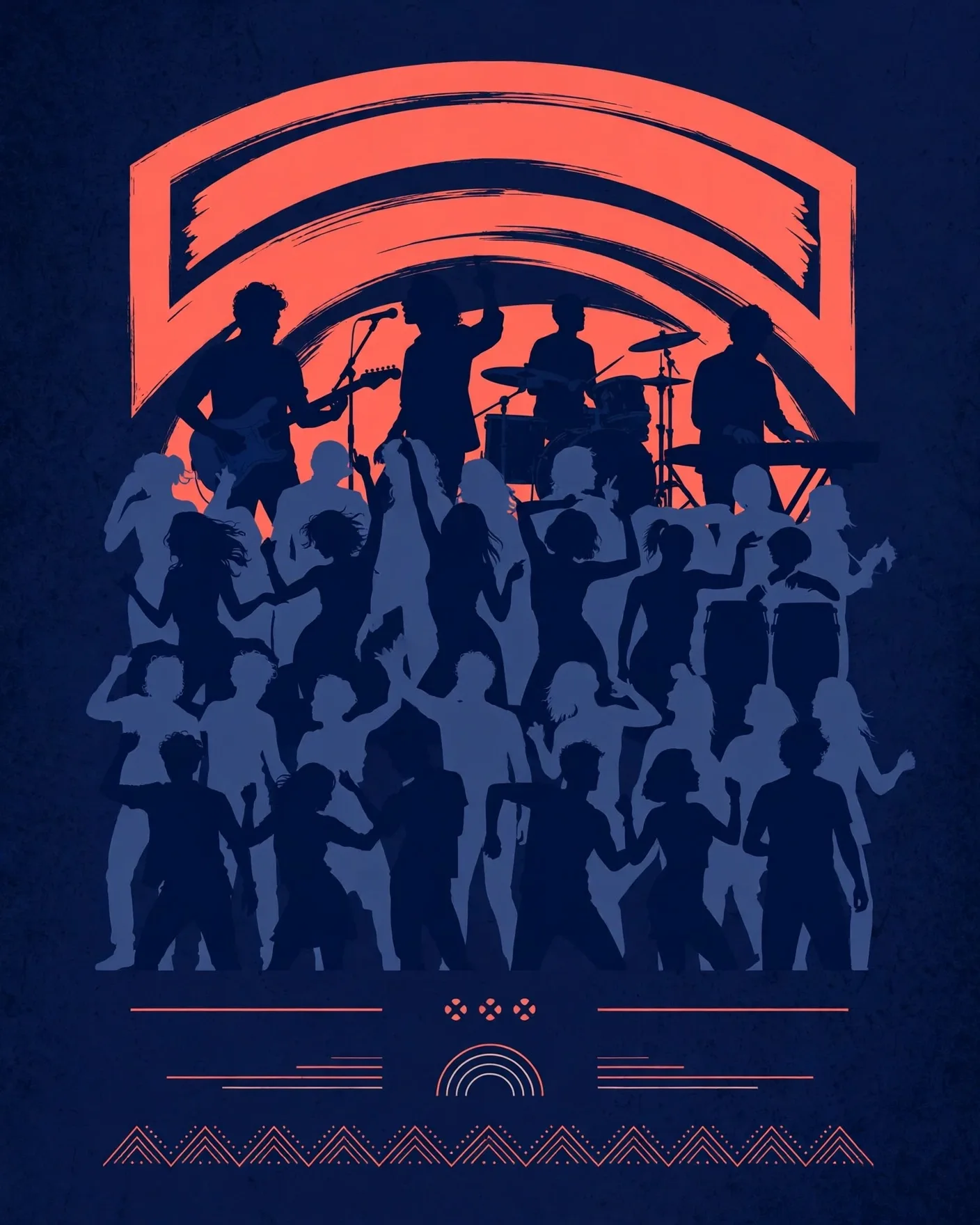
Event Poster Design Template Prompt — Any Theme, One Striking Layout
ChatGPT