




Think in two prompts, not one
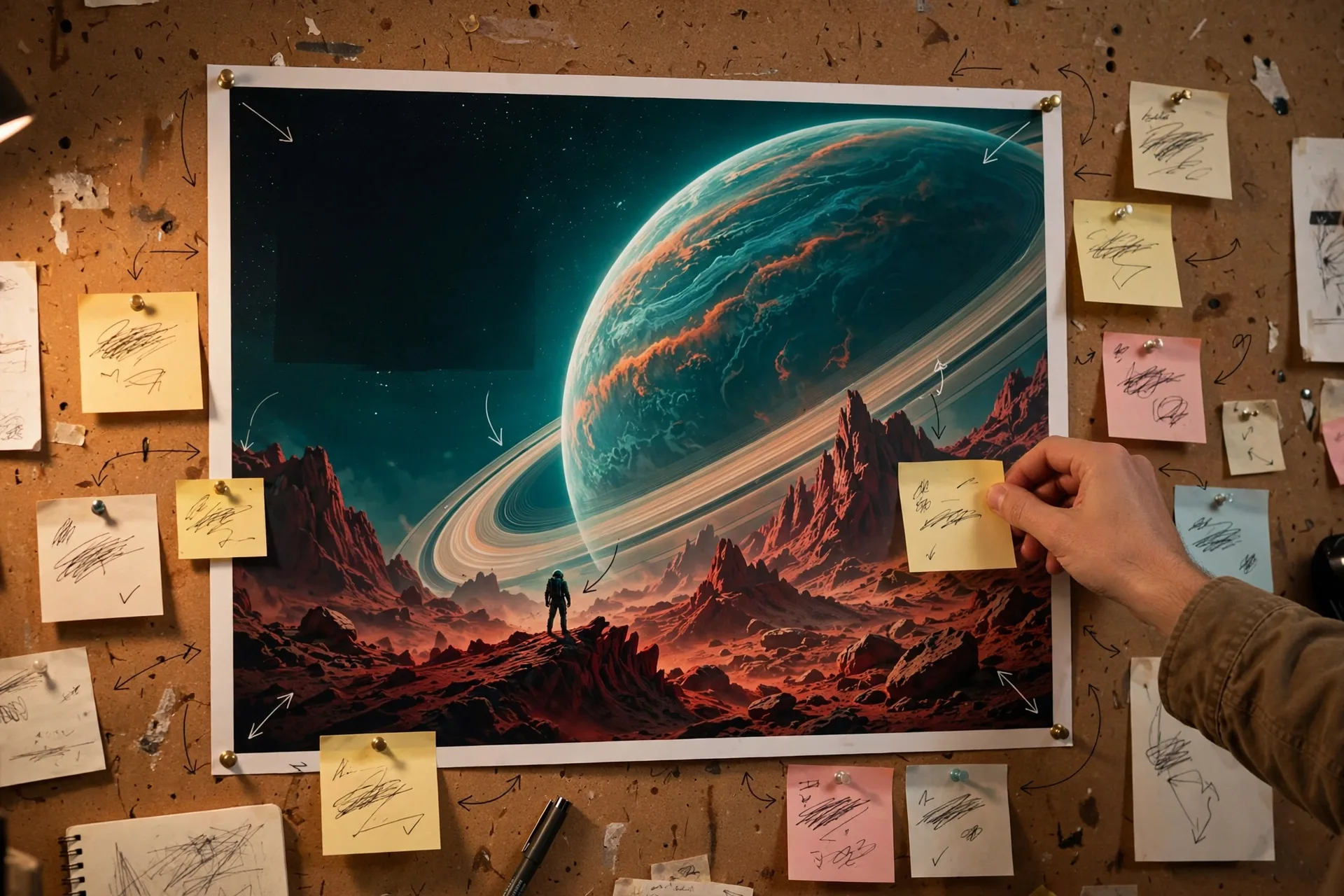
A world prompt has two jobs. The opening prompt builds the place: its geography, its anchor objects, its light, and its mood. Every later prompt is an edit, not a new world. If an edit re-describes everything, the model has more room to drift. If it names one change and re-anchors the rest, the world holds together longer.
Anchor first, then move
- Name 2–3 anchor objects that must never move, with a position each: the lighthouse on the left, the bridge in the centre, the market square ahead
- Fix the time of day and weather in the opening prompt, so later edits have something to change from
- Keep the camera path simple: one direction, one speed, no sudden jumps
- Describe people by action, not appearance lists, so movement stays natural
A misty harbour town at dawn, seen from the pier. A stone lighthouse stands on the left headland, a wooden bridge crosses the centre, and fishing boats bob in the foreground. Soft grey light, quiet water, gulls overhead.
Write edits as single changes
Change one thing at a time. Weather, then a character, then the camera — never all three in one edit. After each edit, let the world settle for a few seconds before editing again, and check your anchors before moving on.
Keep the lighthouse and bridge exactly where they are. Change the weather to driving rain. Add one fishing boat approaching the harbour from the right, moving slowly.
A simple workflow that works
- Open with anchors, light and mood in under 60 words
- Explore for 20–30 seconds without editing, to let the world stabilise
- Make one edit, watch the anchors, then make the next
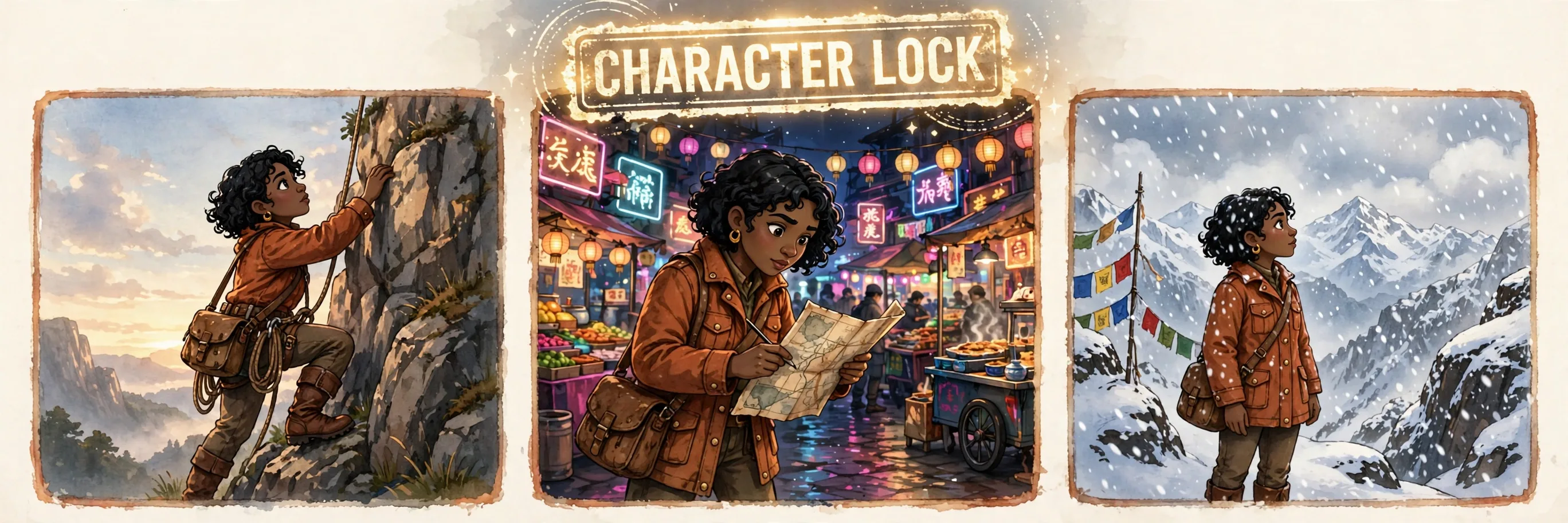
- If drift appears, re-anchor once; if it persists, restart from a saved opening prompt rather than stacking fixes
| Prompting mistake | What happens | Fix |
|---|---|---|
| Re-describing the whole world each edit | Anchors move, details drift | One change per edit, anchors named briefly. |
| Three changes at once | Model picks one, drops the rest | Sequence the edits. |
| Long unbroken session | Details fade, objects swap | Short scenes, capture early. |
Frequently Asked Questions
How long should an opening world prompt be?
Short and structural — roughly 40 to 60 words covering place, anchors, light and mood. Long appearance lists crowd out the structure the model needs to hold the world together.
Can I get a 3D game level out of a world model?
Not from Genie-style models as announced. They generate an explorable simulation, not a mesh, level file or playable build. Use them for previsualisation, concept testing and prototyping.
What do I do when a character changes appearance mid-scene?
Re-anchor the character by role and action in one edit, for example "the harbour keeper in the yellow coat is still mending nets on the pier", then continue. If the change persists, restart the scene.
Should dialogue be in the world prompt or added later?
Put short dialogue cues in the edit that introduces the character, not in the opening world prompt. The model generates dialogue natively, but long scripted lines compete with scene coherence.