



What Mask-Based Editing Actually Does
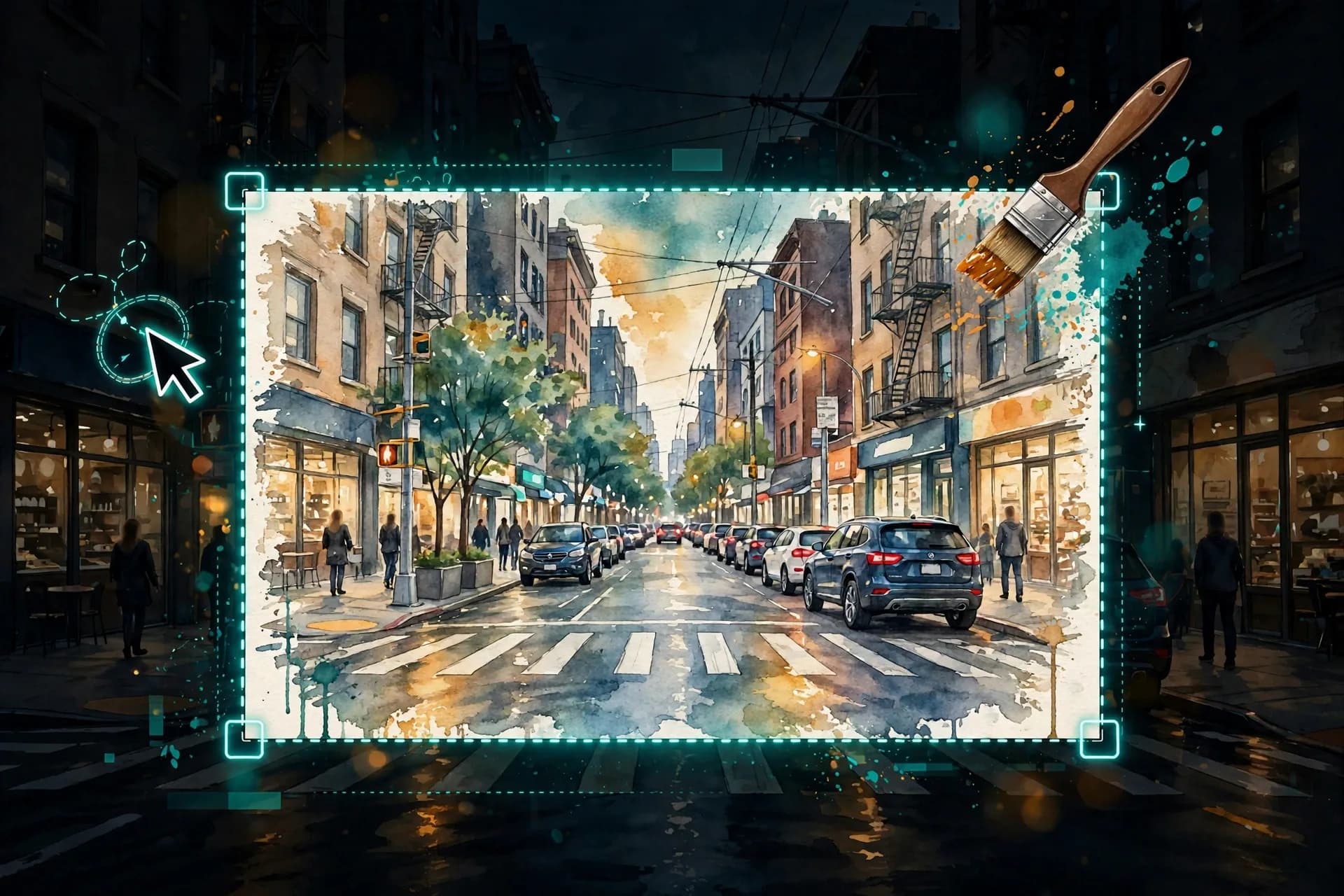
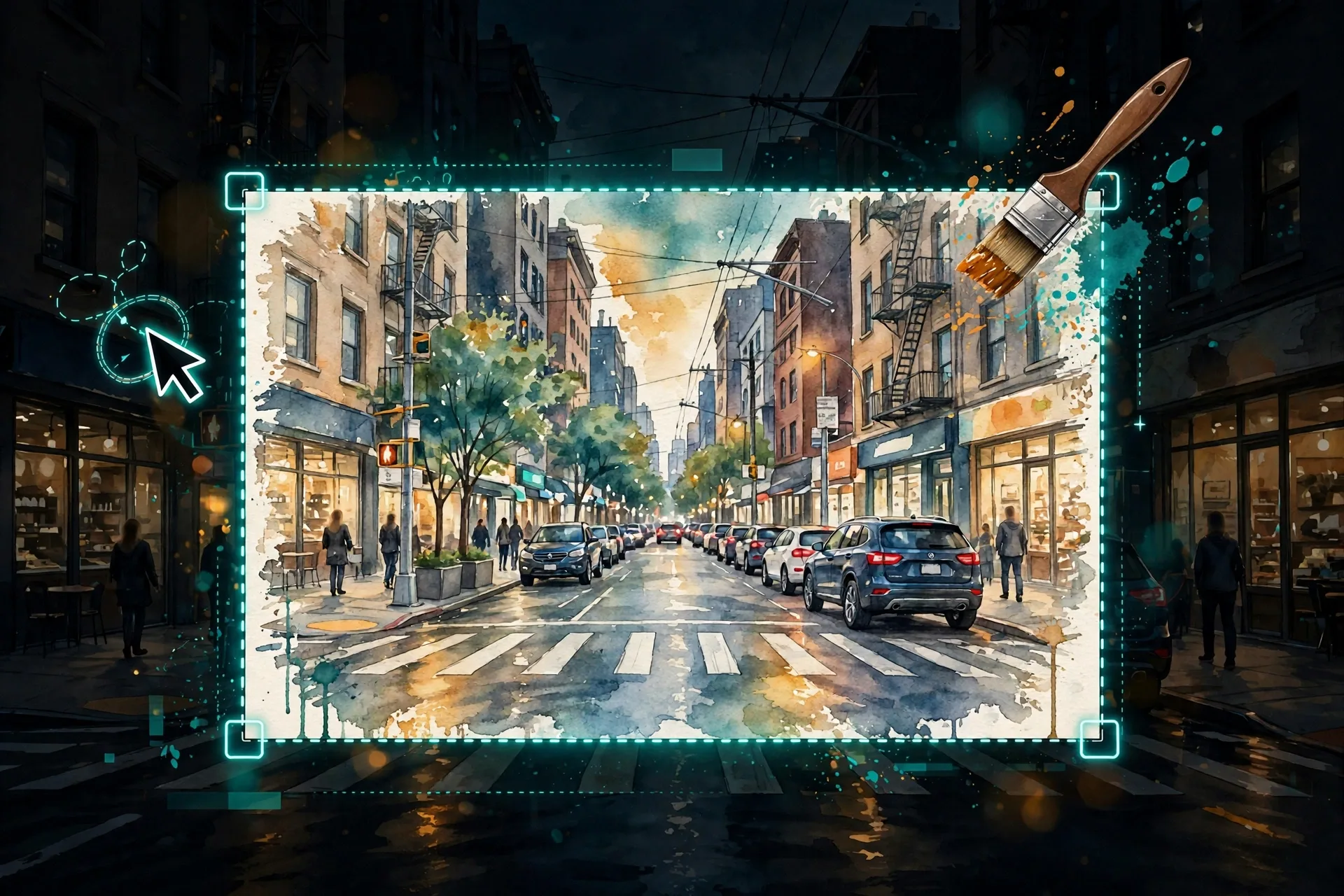
Mask-based editing splits an image edit into two inputs: a mask (the region you want changed) and an instruction (what should happen there). The model regenerates only the masked area and blends it into the untouched surroundings. That is fundamentally different from "edit this image" prompts that regenerate everything and often drift the parts you liked. Models like Google's Nano Banana 2.1 now treat this as a first-class feature — and the quality of your edit depends more on how you define the region and phrase the instruction than on the model itself.
Step 1: Mask Generously, Then Feather the Edge
The most common failure is a mask that is too tight. If you are changing a jacket's color, mask the whole jacket plus a few pixels of margin — not just its center. A tight mask forces the model to invent a hard boundary that will not match the original pixels, producing visible seams. Where the tool allows it, feather or soften the mask edge so the new content blends into the surroundings instead of cutting against them.
Step 2: Write the Edit Instruction Like a Surgical Note
Describe exactly what the masked region should become, in the present tense, as if it had always been that way: "a navy wool blazer with brass buttons, same lighting as the rest of the photo" beats "change the jacket to navy." Anchor the instruction to the existing image — mention lighting direction, color temperature, and material — so the regenerated region matches the scene it sits in. Never describe the unmasked area; the model already has it.
Masked region: the coffee cup on the table. Instruction: "Replace with a matte-black ceramic espresso cup with subtle steam rising, lit by the same warm window light from the left, matching the photo's shallow depth of field."
Step 3: Lock Consistency With Reference Anchors
When the edit touches a person or a branded object, add a consistency anchor to the instruction: reference the original ("keep the exact same face, skin tone, and expression") or supply a reference image if the model supports multiple inputs. Without an anchor, regenerated faces and logos drift — the number one reason mask edits look "AI" even when the blend is perfect.
Step 4: Check the Blend at Full Zoom
Always inspect the edit at 100 percent zoom before accepting it: look for halo edges around the mask, mismatched grain or noise, shadows that fall the wrong way, and text that warped. If the blend fails, widen the mask and simplify the instruction rather than making the instruction longer — most blend failures are region problems, not wording problems.
Frequently Asked Questions
What is mask-based AI image editing?
It is an editing mode where you select (mask) one region of an image and give an instruction for that region only. The model regenerates just the masked area and blends it into the rest, so the parts you liked stay pixel-identical.
Why do my mask edits show visible seams?
Almost always because the mask is too tight or has a hard edge. Mask the full object plus a small margin, feather the edge where the tool allows it, and describe the region's lighting so it matches the scene.
How do I keep faces consistent during mask edits?
Add an explicit consistency anchor to your instruction — "keep the exact same face, skin tone, and expression" — and supply a reference image if the model supports it. Without an anchor, regenerated faces drift from the original.
Can I chain multiple mask edits on one image?
Yes, but limit it to two or three passes. Each regeneration compounds small artifacts, so for heavy rework it is better to regenerate the base image than to keep patching the same file.
Which models support mask-based editing?
Google's Nano Banana 2.1 launched with mask-based editing as a headline feature in October 2026, and several editors and agent workflows offer region-select editing. Check your tool's docs — the prompting principles in this guide apply regardless of model.