What Vidu Q4 Preview Gives Prompt Writers
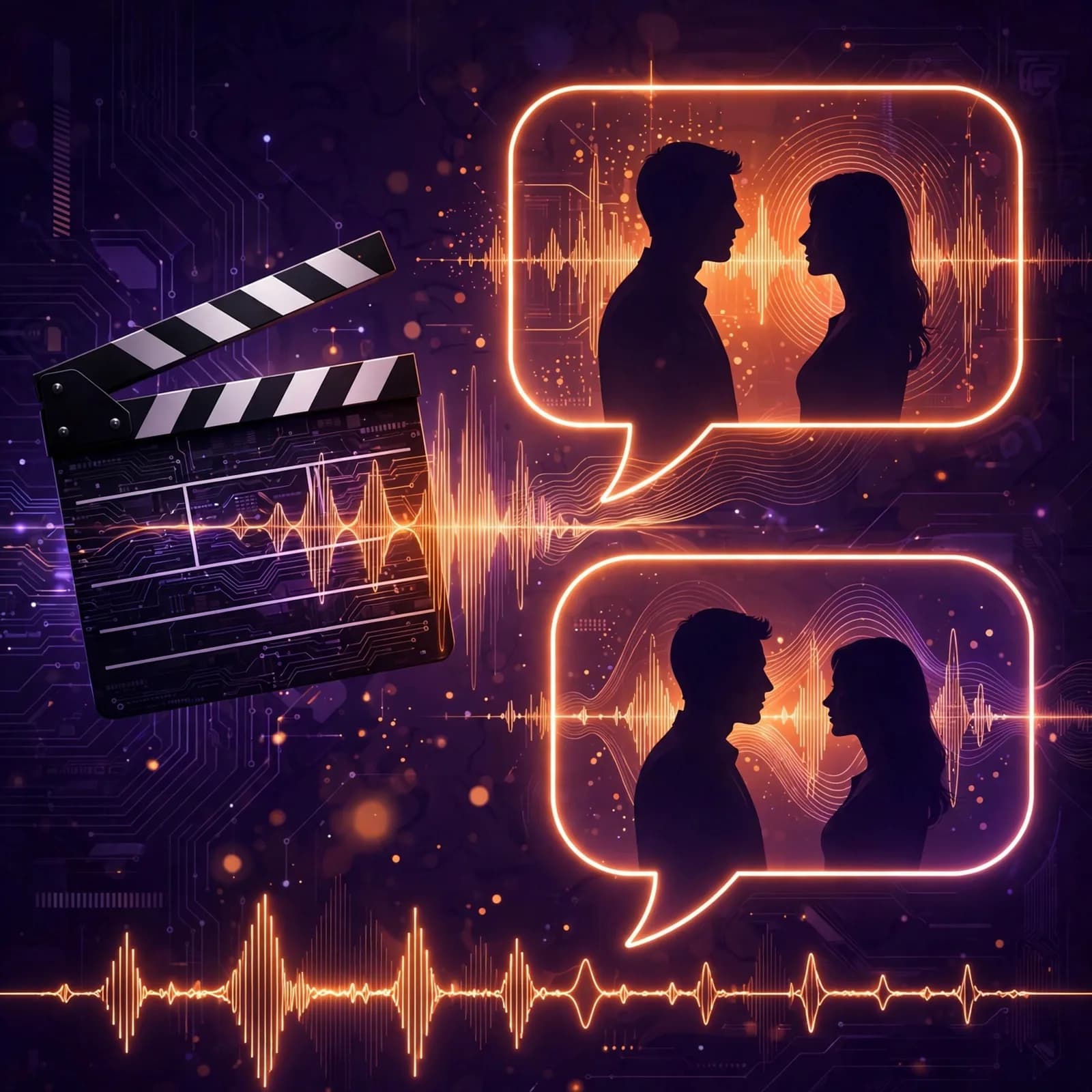
Launched in public preview on October 7, 2026 (model id viduq4-preview), Vidu Q4 is Shengshu's flagship video model made widely accessible. Two modes matter for prompting. Image-to-Video takes one start image plus a text prompt and produces 3–16 second clips. Reference-to-Video is the powerful one: 1–15 image references plus 0–3 MP3 audio references (3–12 seconds each) for 1–16 second generations. Prompts can run up to 20,000 characters, and prompt tags let you identify reference subjects by name inside the prompt. Output scales from 540p up to 4K with 10-bit color, in 1:1, 9:16, 16:9, 3:4, or 4:3, preserving the aspect ratio of your uploaded material. Audio — dialogue plus sound effects — is generated by default with audio-video sync and automatic camera switching.
Step 1: Build Your Reference Set First
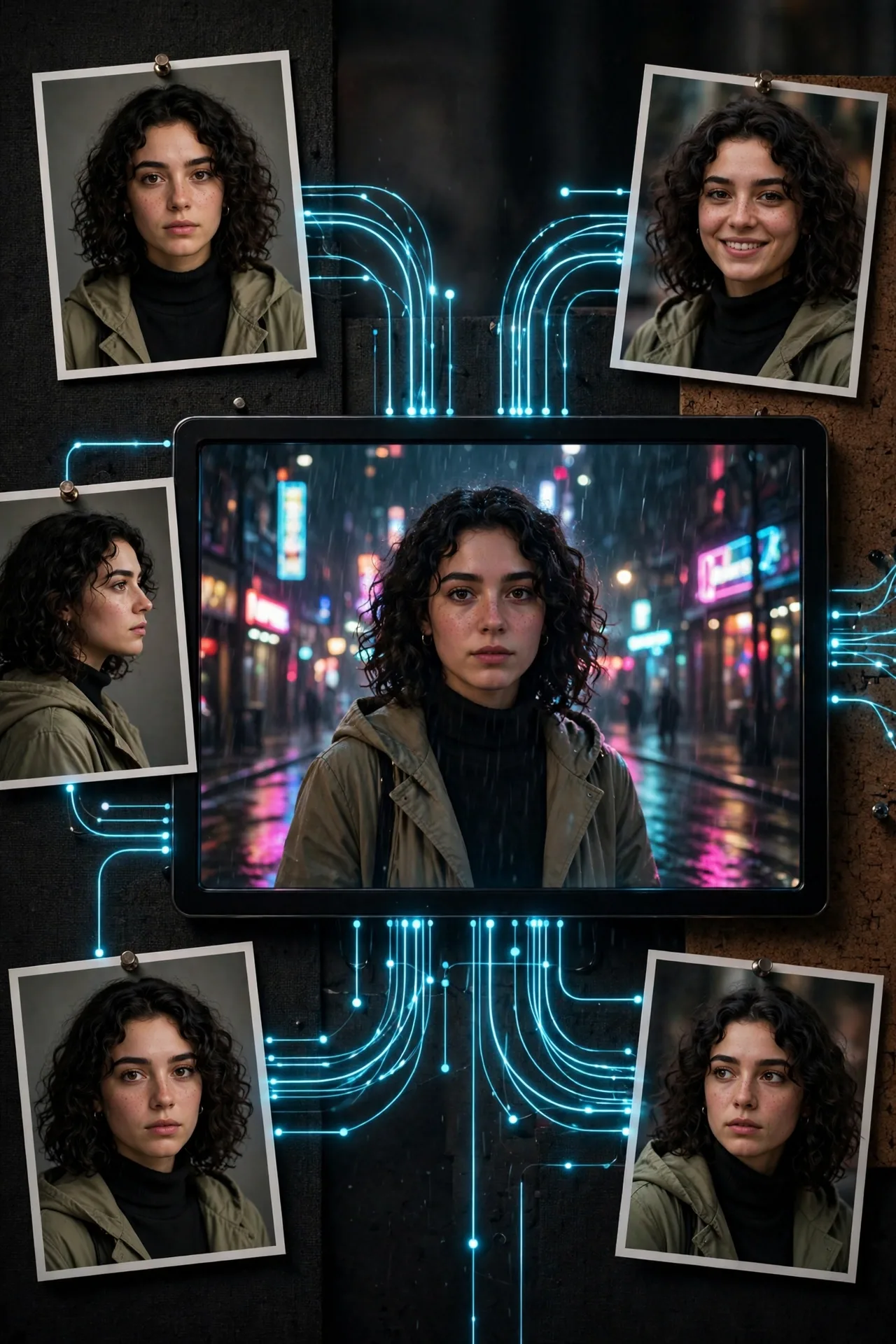
Consistency lives or dies on references, so assemble them before writing a word of prompt. Pick 3–8 clean reference images per key subject: front, three-quarter, and profile angles, in neutral lighting, with the face or object clearly visible. For voice consistency, prepare 1–3 short MP3 clips (3–12 seconds each) of clean speech. Name every subject with a prompt tag — for example [MAYA] or [THE_RED_SCOOTER] — and use those tags everywhere in the prompt instead of descriptions. The model binds the tag to the reference; descriptions drift, tags stick.
Step 2: Structure the Prompt in Four Blocks
With up to 20,000 characters available, structure beats brevity. Write every prompt in four blocks. Block one, CAST: list each tag and one line of role ("[MAYA]: protagonist, 28, confident courier"). Block two, SCENE: the environment, time of day, and key props in two or three sentences. Block three, ACTION AND CAMERA: beat-by-beat action with explicit camera direction — shot size, movement, and cuts ("Wide establishing shot, slow push-in; cut to close-up on [MAYA]'s hands as she..."). Block four, AUDIO: dialogue lines attributed to tags, plus sound-effect cues ("distant traffic, scooter engine rev"). Vidu switches cameras automatically, but explicit direction keeps it intentional.
CAST: [MAYA]: protagonist, 28, confident food courier. [SCOOTER_X]: her red vintage scooter. SCENE: Rainy night market street in Bangkok, neon signs reflecting on wet asphalt, steam rising from food stalls. ACTION AND CAMERA: Wide establishing shot, slow push-in through the market crowd; cut to medium shot tracking [MAYA] weaving [SCOOTER_X] between stalls; close-up on her determined face as neon flickers across it; final wide shot as she rides into the rain. AUDIO: [MAYA]: "Almost there — two minutes out." SFX: sizzling woks, rain on canvas awnings, scooter engine.
Step 3: Exploit 4K 10-Bit for the Final Render
Generate and iterate at lower resolution, then render finals at 4K 10-bit — the 10-bit color depth matters most in gradients (skies, neon glow, skin tones) where 8-bit banding shows. Keep generations to 8–16 seconds per shot and assemble sequences from multiple generations rather than pushing one long take; consistency across camera positions is a stated strength, so plan your coverage like a real shoot: establishing, medium, close-up, insert.
Frequently Asked Questions
What is the difference between Vidu Q4's two modes?
Image-to-Video uses one start image plus a text prompt for 3–16s clips. Reference-to-Video uses 1–15 image references plus up to 3 MP3 audio references for 1–16s generations with locked characters and voices.
How do I keep characters consistent in Vidu Q4?
Use prompt tags like [MAYA] for each subject and reference them by tag everywhere in the prompt. Supply 3–8 clean reference images per subject from multiple angles in neutral lighting.
How long can Vidu Q4 prompts be?
Up to 20,000 characters — enough for a fully structured prompt with cast, scene, beat-by-beat camera direction, and audio cues.
What output quality does Vidu Q4 Preview support?
540p up to 4K with 10-bit color, in 1:1, 9:16, 16:9, 3:4, or 4:3 aspect ratios, preserving your uploaded material's aspect ratio. Audio (dialogue + SFX) is generated by default.
Related Prompts
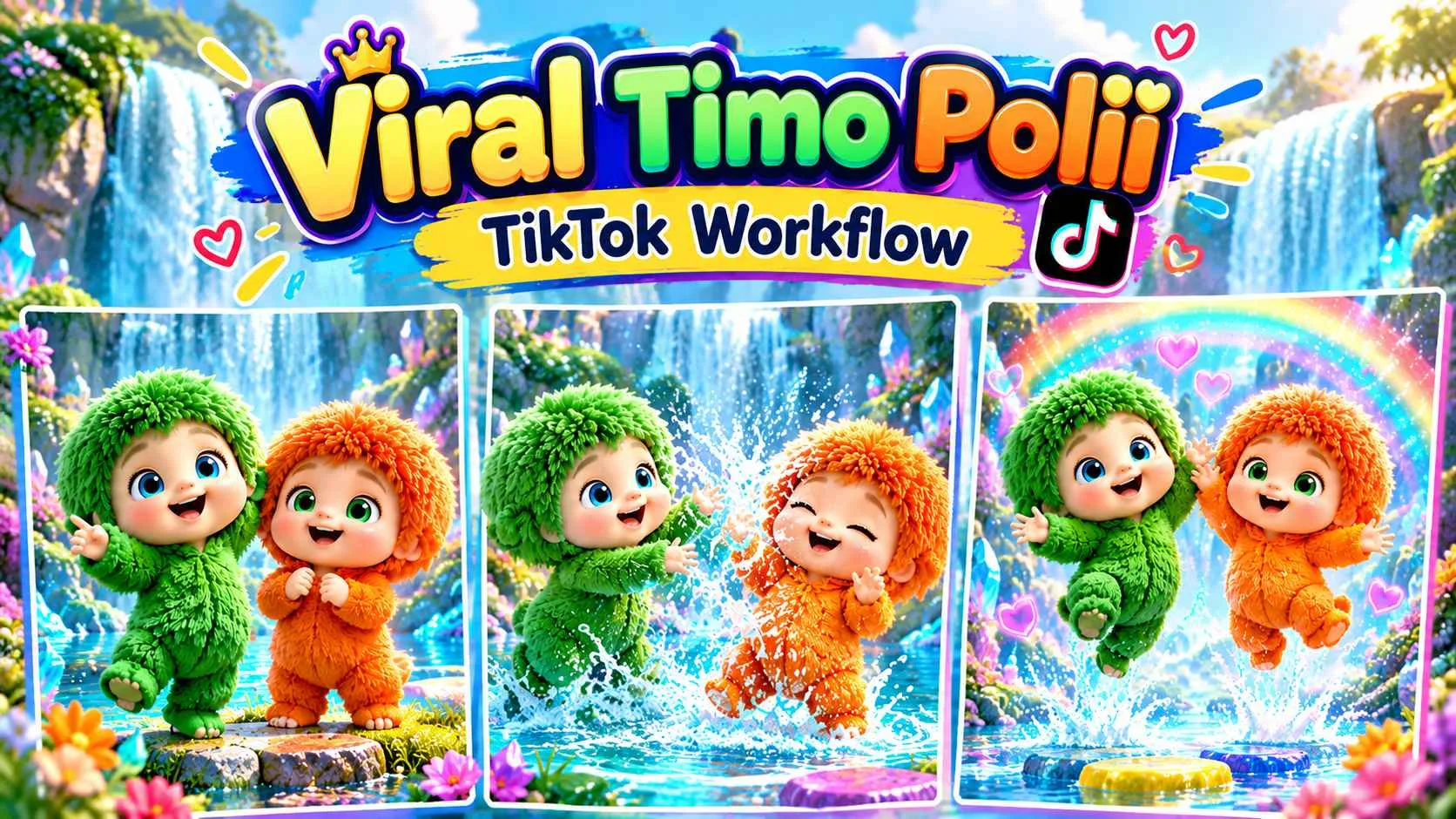
Tamo & Poli AI Viral Cartoon Video Generator | Character Sheets to Storyboard & 30-Second 9:16 Dancing Reels | Seedance 2.5 Workflow
Seedance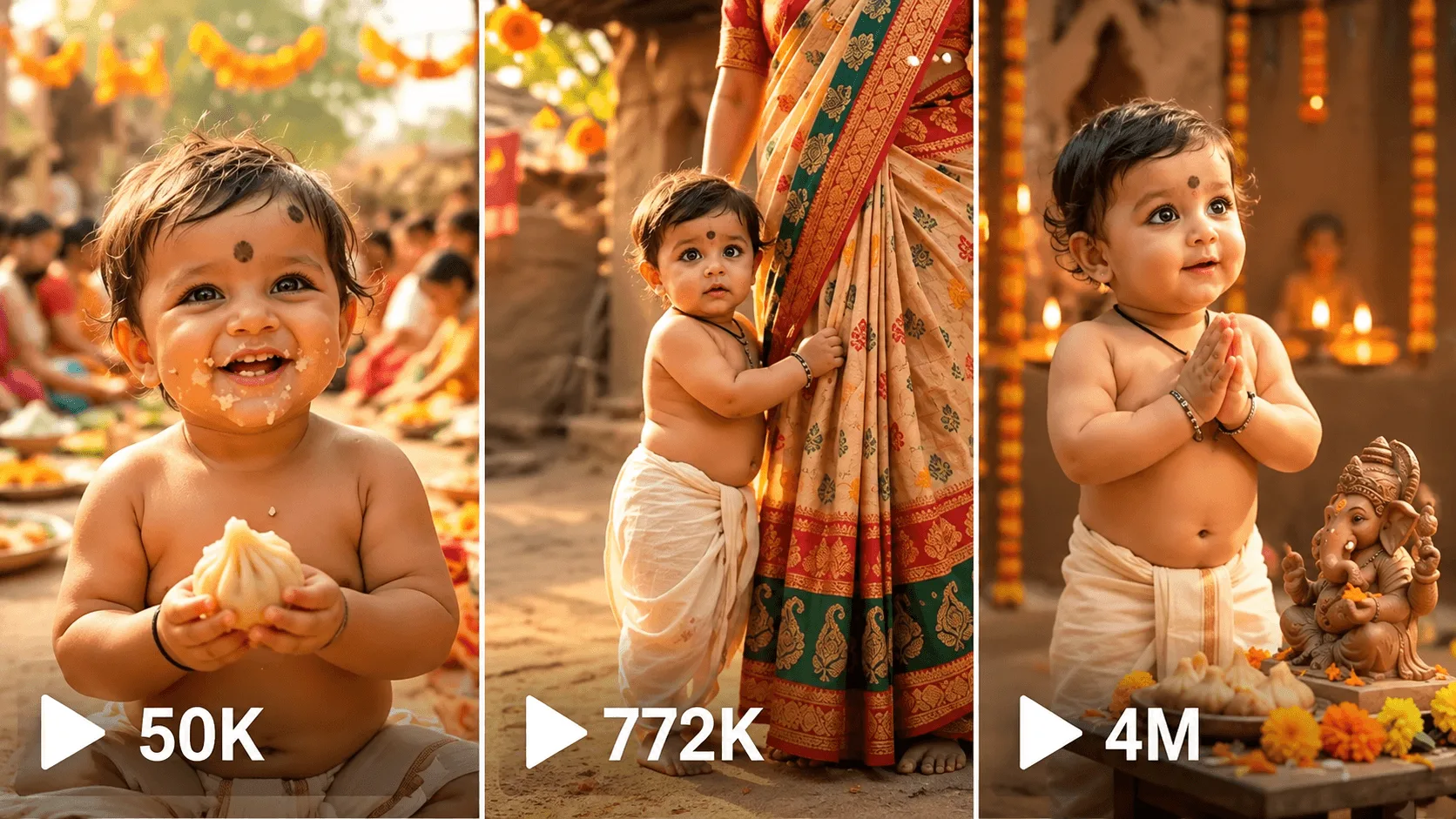
AI Baby Video Generator Cinematic Storytelling Master Prompt
Seedance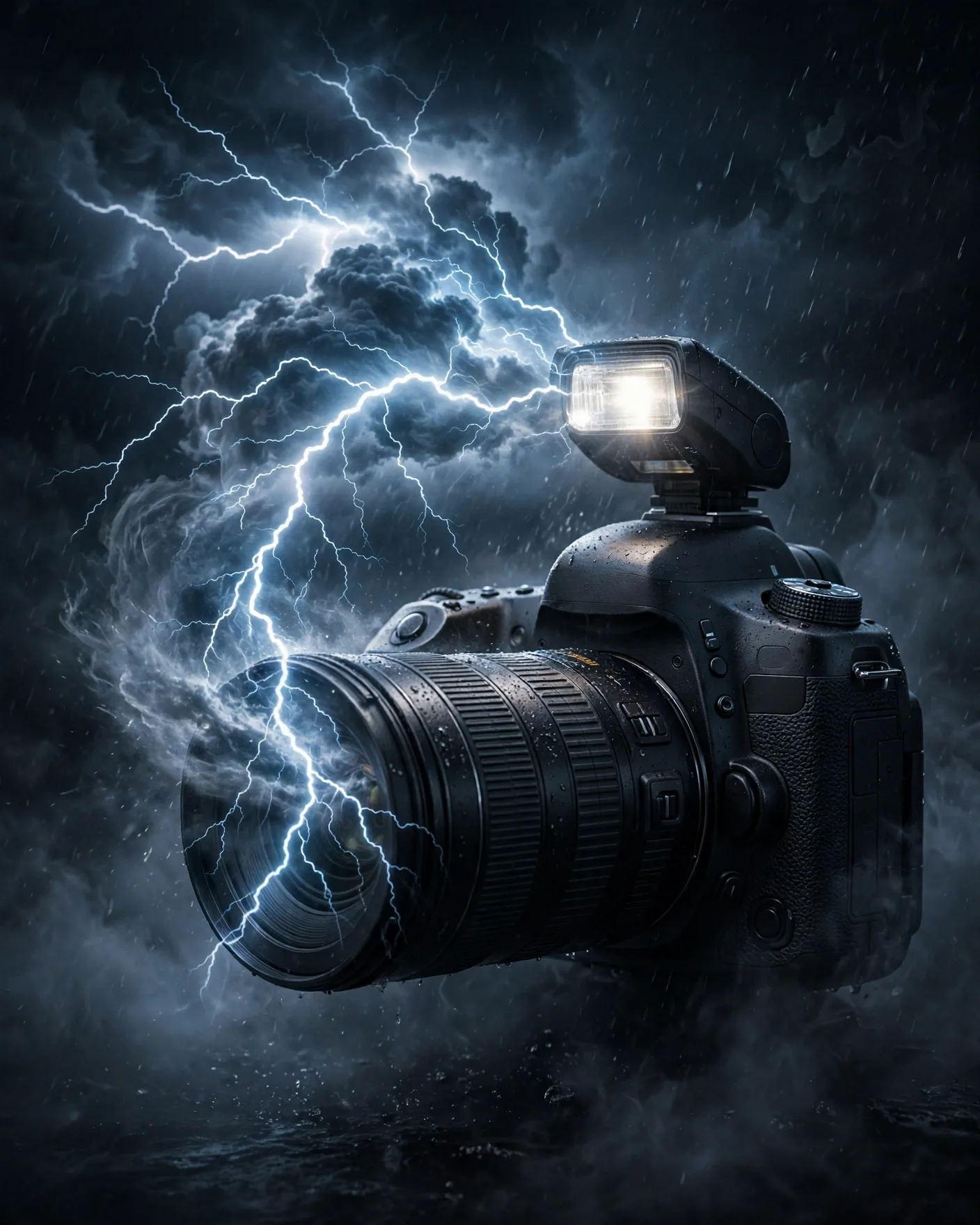
Capture the Storm Camera Ad Poster Prompt
ChatGPT